
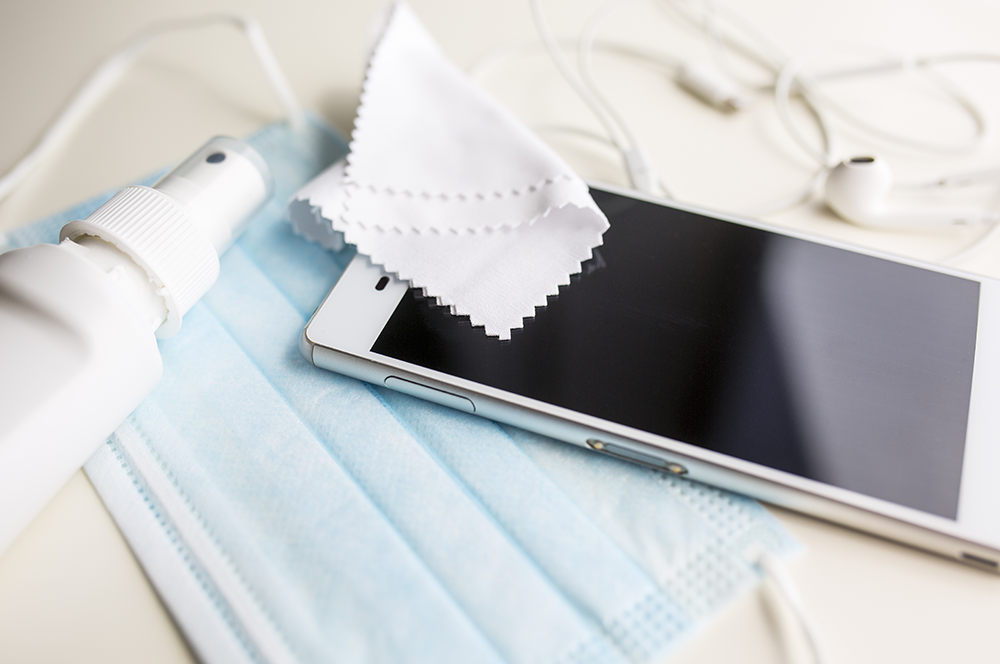
Mobile phones are pretty gross. We take them everywhere with us… Don’t deny scrolling through your socials anywhere from the bathroom, to the train, to your bed, to the window, and back to the wall.
As much as society as a whole has gotten better at washing our hands, that doesn’t mean our handheld devices are necessarily that much more sanitary. Sure, maybe they’re less disgusting now but the bar was already real low to begin with.
In this guide we’ll tell you how to clean your phone, and how not to clean it as well.
How to clean your iPhone
According to Apple, the best way to clean an iPhone or other Apple device is:
Make sure your device is turned off and unplugged
Wipe down with a soft, slightly damp cloth such as a lens cloth.
Prior to the COVID-19 outbreak, Apple was adamant that you should never use alcohol wipes or disinfectants on your phone but in March 2020 the manufacturer changed its tune. If you would like to disinfect your phone, which you probably should, you can follow up by wiping the phone with a 70% isopropyl alcohol wipe.
How to clean your Samsung
Although Samsung’s Australian site doesn’t have instructions on how to clean your phone, the Canadian site recommends the following steps:
Turn off your device and unplug from any sockets
Remove case or cover
Use a soft, dry microfiber cloth to gently wipe the exterior of the phone
Where necessary, you may dampen your cloth with distilled water, a hypochlorous acid or an alcohol based cleaning product.
Samsung notes that hypochlorous acid based products must be between 50-80ppm, while alcohol-based solutions must be 70% or stronger.
Cleaning any other phone
There is a consensus about cleaning phones, and its best practice to follow the advice of the world's two leading brands. Regardless of which phone you have make sure that you turn it off, and wipe it down with nothing more than a slightly dampened cloth.
Cleaning tips to avoid
There is more than one way to crack an egg, but using a machete to do it may be overkill. In the same vein there are plenty of ways that you could theoretically clean your phone, although we solemnly do NOT recommend giving them a crack.
Soapy water
It’s cool that phones are relatively waterproof and all. Personally, I love that when I scream cry Taylor Swift my tears can ricochet off the screen without doing any damage. To the phone of course. To me, the damage has already been done.
However, we (and Apple, and Samsung) wouldn’t recommend submerging your phone in soapy water. Ever. The chemicals found in soap and household cleaners can wear down the oleophobic coating on your phone designed to keep it reduce fingerprints and keep it moisture-free. It can also make your phone more prone to scratches.
On the off chance that you already gave this a go, read our guide on what to do with a wet phone.
Aerosol sprays or compressed air
Major manufacturers warn against using aerosols and compressed air on handsets. Sprays create moisture in much the same way dunking your phone in a bucket of water would - avoid that.
Compressed air on the other hand may damage fragile elements of your handset such as the microphone, speakers, or elements within your charging port. A direct flow of high pressure air has the potential to mar these sensitive components even if it seems like a gentle way to clear out the dust. Remember, even Nintendo didn’t want us blowing into their cartridges and those suckers were sturdy so just think about the fragility of this century’s tech.
Drinking alcohol
As a general rule, rubbing alcohol is for outside pain and drinking alcohol in for inside pain. Drinking alcohol like vodka or gin usually sits at a maximum of 40% proof, this simply isn’t strong enough to disinfect your phone properly.
Per the Apple and Samsung guidelines, alcohol wipes or solutions need to be at least 70% proof in order to be effective in killing germs on your phone. Keep your vodka for a martini, and your methylated spirits for cleaning your phone. As long as it's in wipe form.
Fire
Yes, fire disinfects (and cleanses) but don’t set your phone on fire. Don’t set anything on fire.
Anula Wiwatowska
Offsite Editorial Lead | Instagram

Related Articles


![[Editor's Picks] Best mobile plans for October 2026](https://r3.whistleout.com.au/public/images/articles/2026/01/mobile-phone-plan-Featured.png?w=280&h=280&usm=20&usmrad=0.8&fit=crop "[Editor's Picks] Best mobile plans for October 2026")


