

Huawei P40 Pro: The Verdict
While the P40 Pro is a potent piece of hardware, its software situation makes it hard to recommend.
What we love
- Excellent camera
- Great battery life
- Fast performance
What could be improved
- No Google apps or services
- Limited selection on Huawei's App Gallery
The essentials
- Performance: Top-tier.
- Battery: Fantastic, should comfortably last at least a day-and-a-half per charge.
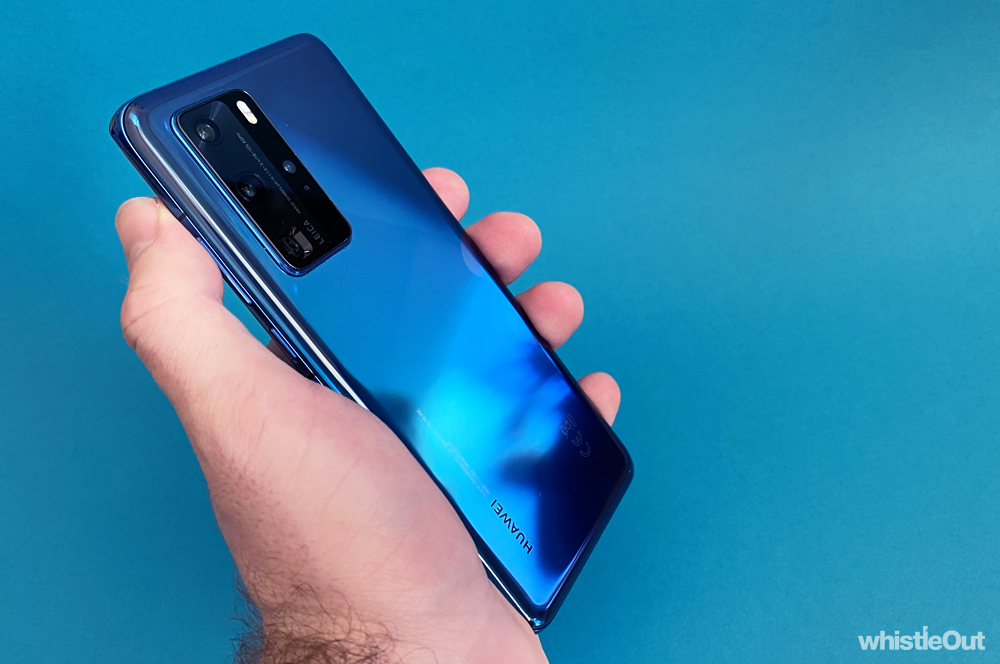
- Screen: Lovely, and the quad-curve design gives it a rather unique appearance.
- Camera: Once again, one of the best smartphone cameras around. It's hard to fault.
$1,599
Huawei's P30 Pro was one of 2019's best phones, largely thanks to the strength of its camera. It's unprecedented lowlight prowess and zoom blew everyone away, as did the two-day battery life. It was ostensibly a home run for Huawei. The P30 Pro definitively proved that consumers should be considering a phone outside of the Apple/Samsung duopoly.
That triumph would be cut short thanks to a US government executive order that prevented American companies working with businesses deemed a "national security risk". Google suspended its relationship with Huawei in light of this, which effectively cut the phone manufacturer off from Android. While existing Huawei smartphones didn't lose any functionality, new smartphones are a different matter entirely.
Huawei can still use Android to power its smartphones, but the open source version of Android - AOSP. AOSP, however, doesn’t feature Google's apps or services. These include the Google Play Store, Google Maps, YouTube, Gmail, and more. In order to ship a phone with Google apps, a manufacturer needs to license these from Google. As such, Huawei is very much going at it alone.
The P40 Pro is the first Huawei phone without Google apps and services to get a wide release in Australia. We saw the Mate 30 Pro at the end of last year, but in a small quantities via an online ballot system. The P40 Pro, on the other hand, is available through some of the country's biggest tech retailers, including JB Hi-Fi and Harvey Norman. It's priced at $1,599 like any other flagship smartphone. It's almost like it's business as normal. Of course, that's far from the case.

An unfamiliar affair
- 6.58-inch 1080p+ display
- Kirin 990
- 256GB storage, 8GB RAM
- 50MP + 40MP + 12MP + ToF rear-facing cameras
- 4,200mAh battery
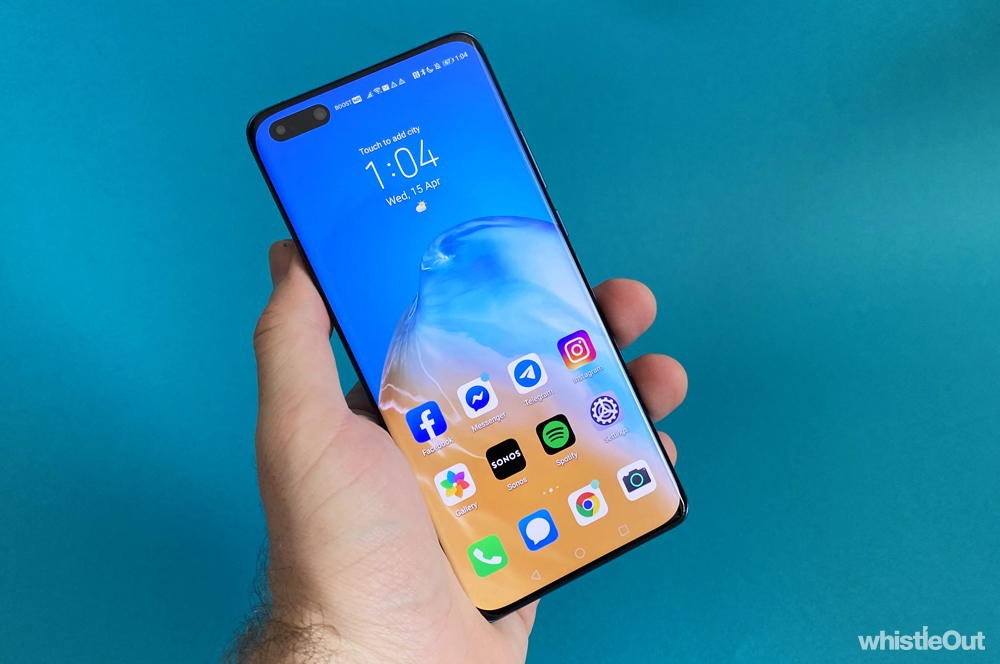
The P40 Pro's out of the box experience is unfamiliar, to say the least. An Android phone without the reassuringly colourful Google app icons barely feels like an Android phone. There's no Play Store to welcome you on your new phone journey, to guide you to your favourite apps. Instead, Huawei's App Gallery is your first port of call.
The App Gallery is bleak, to say the least. Any big name app you can think of is almost certainly missing. Uber, Netflix, Twitter, Tinder, Facebook Messenger, Slack, Airbnb, and Spotify are all absent, to name a few. TikTok and Snapchat are the two major exceptions I could find. Snapchat seems like a relatively recent addition to the App Gallery - it wasn't available when I was reviewing the Mate 30 Pro. While it's not a go to app for me, it's promising that the selection seems to be increasing, even if slowly.
In some cases, the App Gallery will point you to official sources for apps like Facebook and WhatsApp where available, if they're not already listed in the store. Clicking Facebook in the App Gallery will take you to the Facebook website, where you can download the app. This works well enough, and ostensibly solves a pain point. I did however run into the issue where I couldn't read my chats in Messenger. My unread count kept climbing, but tapping the Messenger icon in the top-right hand corner of the Facebook app simply opened up an App Gallery pane saying "this app isn't available in your region yet". Facebook doesn't have Messenger available for download directly from its website yet either.
To get around this, I installed the Amazon App Store, which is available as a free download for anyone with an Android phone. While app selection isn't as large as what you'd find on the Google Play Store, it has a lot more to offer than the Huawei App Gallery. Messenger, Instagram, Twitter, and Spotify are all present for example. You can even find a couple of big name games, like Minecraft and Hearthstone. Of course, the Amazon App Store still doesn't have Google apps, or apps that require Google services.
Many Android apps rely on Google services to even run. For example, Uber and UberEats both use Google services for their maps. Many games use Google services for save data. Video streaming apps like Stan rely on Google services. Without Google services, these apps won't run no matter how you get them on their phone.
In the case of these apps, Huawei recommends accessing them in your web browser and creating a shortcut directly to the page on your home screen. In the case of something like UberEats, the core experience is the same, even if it isn't as seamless as a native app. The web version is however missing features like timed free delivery and Uber Rewards, so its not identical.
In terms of apps that don't rely using Google services, Huawei suggests using its Phone Clone tool to copy them from a previous Android device. While this is certainly an option, unless the app is in the App Gallery or on the Amazon App Store, you'll have no easy way to update it to a newer version. That's not great.
Wearables and accessories are also problematic. Many Bluetooth headphones have companion apps these days, such as those from Samsung and Beats. You didn't strictly need them to use the headphones, but you end up missing out on features.
Don't expect fitness bands and smartwatches compatibility out of the box, however. The companion apps for devices such as Fitbits and Samsung Galaxy Watches simply don’t work. If you want to use a smartwatch with the P40 Pro, it has a to be one made by Huawei.

It's also possible to go whole hog and sideload Google apps and services. The process isn't exactly straight forward, and involved spending about half-an-hour following a tutorial I found on YouTube. It did work however, and makes the Huawei P40 Pro feel like a regular Android phone. For the most part.
While restoring Google apps and services means you'll be able to download apps through the Play Store and use pretty much any app, there are a few trade offs. Even with Google restored, not every app works. You still won't be able to use Netflix or Google Pay, for example. And some apps aren't exactly stable - the Play Store and Google Maps both went through a phase where they'd regularly crash, but this seems to have cleared up now.
You'll also constantly be bombarded with angry notifications about how the phone isn't Google Play Protect certified. Essentially, notifications that shout the P40 Pro shouldn't have Google services running on it. Opening any Google app, whether its Chrome, Maps, or YouTube, triggers one of these notifications, which wasn't the same case when I was testing the Mate 30 Pro. It's pretty clear Google doesn't want you running Google apps and services on the P40 Pro.
This isn't exactly surprising. Google has explicitly spoken out against the process of sideloading its apps and services onto Huawei phones, deeming the process a security risk for users. After all, it's hard to tell whether the files you're installing have been tampered with in a way that compromises them. You're damned if you do, and damned if you're don't.
Despite how messy and unfinished the Huawei ecosystem feels, it's admirable that the company hasn't simply called it quits. The App Gallery isn't ready for prime-time but it's promising that we've seen improvements between when the Mate 30 Pro launched and now. After all, it would be great for Huawei to have a functional, robust app store, because more competition is good for the industry.
Unfortunately, it feels like that reality is distant. The P40 Pro isn't just let down by a lack of Google apps, but by apps that rely on Google services to run. By dismal wearable support. By the sheer amount of legwork you need to put in to run the apps you want, and then keep them up to date. As it stands, it's a hostile user experience.
Conflicting juxtaposition
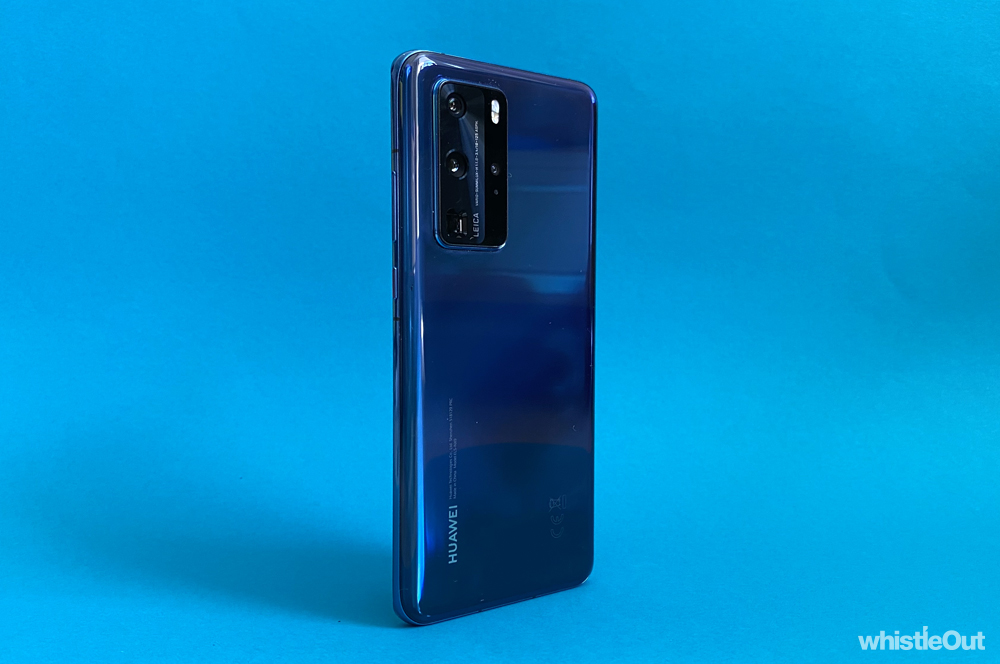
The P40 Pro's software situation may be unfortunate, but the phone's hardware itself is fantastic. As you'd expect from a Huawei flagship, you get a top-tier camera, excellent performance, and a reliable battery. There's an improved in-screen fingerprint reader, blindingly fast 3D facial recognition, and because its 2020, 5G connectivity. On paper, it's not missing much.
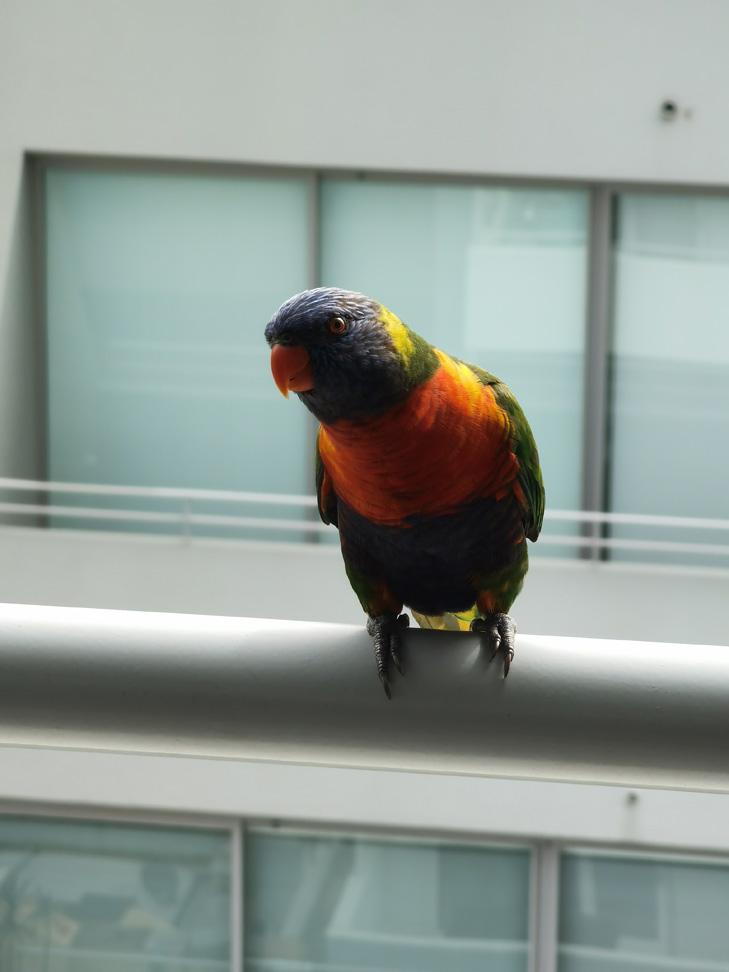
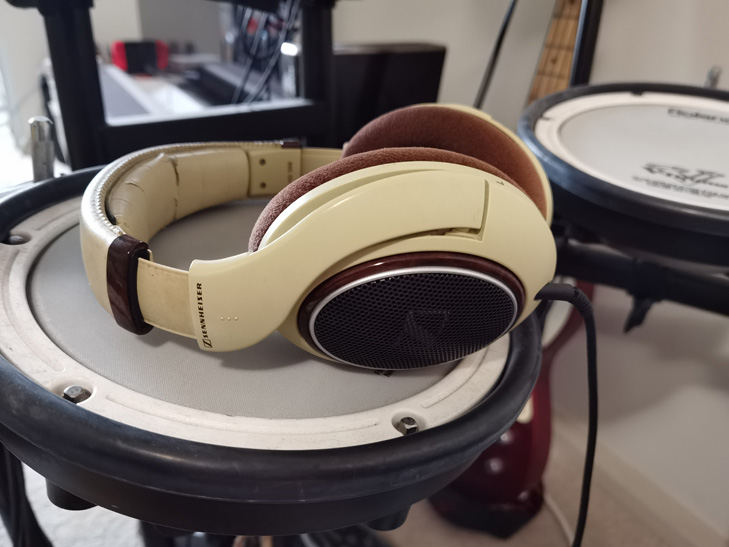
As with the P30 Pro before it, the camera is easily the P40 Pro's defining feature, and once again, you can get stunning results. The camera configuration is made up of four lenses, featuring a:
- 50MP primary lens
- 40MP ultra-wide angle lens
- 8MP telephotos lens with 5x optical zoom, 10x hybrid zoom, and 50x digital zoom
- A Time-of-Flight lens for capturing additional depth information
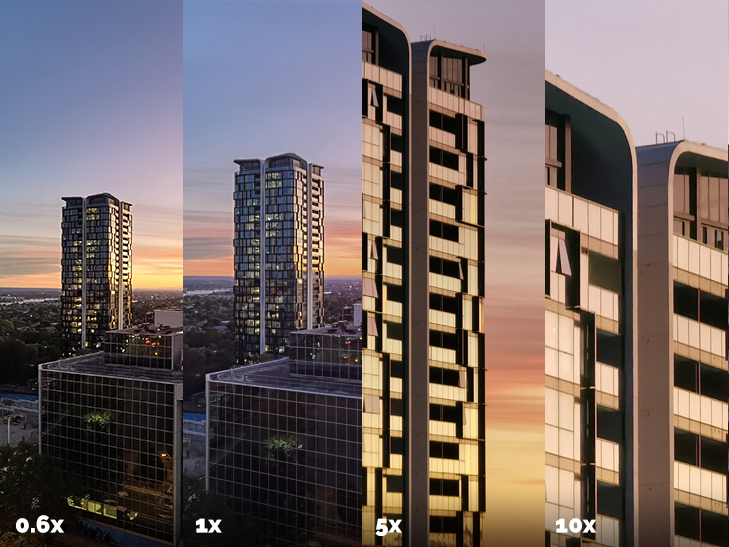
While the three primary cameras all perform better than what we saw in the P30 Pro, the ultra-wide angle lens is the biggest upgrade, going from 20MP to 40MP and producing noticeably better photos. There isn't a huge difference in quality in terms of zoom performance, but the P40 Pro has better stabilisation. It's a bit easier framing up shots at higher magnifications, which is a welcome change.
Here's a look at how the three primary lenses compare:
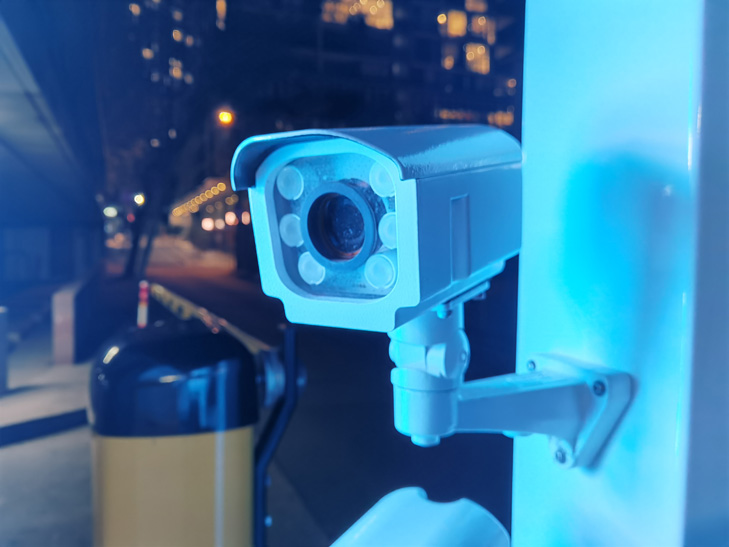
The P40 Pro's lowlight performance is hard to beat. It can do more with limited light sources than any other smartphone. It doesn't even need to resort to a night mode for the most part, but the night mode does help in terms of preserving dynamic range.
Here's a shot without night mode:

And here's the same shot with night mode on:

Huawei's camera game may keep on improving, but its not the only one bolstering its smartphone cameras. The latest iPhone and Pixel devices offered incredibly meaningful camera improvements, and the S20 range is no slouch either. The P40 Pro is still hard to beat when it comes to pure lowlight performance and versatility, but it doesn't stand head and shoulders above the competition in the same way the P30 Pro was when it first came out.
It's an upgrade from the P30 Pro, but not the kind of upgrade that will make you want to replace your P30 Pro, even if there weren't issues around apps. But given the software situation and the fact the P30 Pro holds its own, it's definitely a smarter buy if you want a taste of what a Huawei camera phone can do - especially given that it still has the full suite of Google apps and it should see a price-drop shortly.
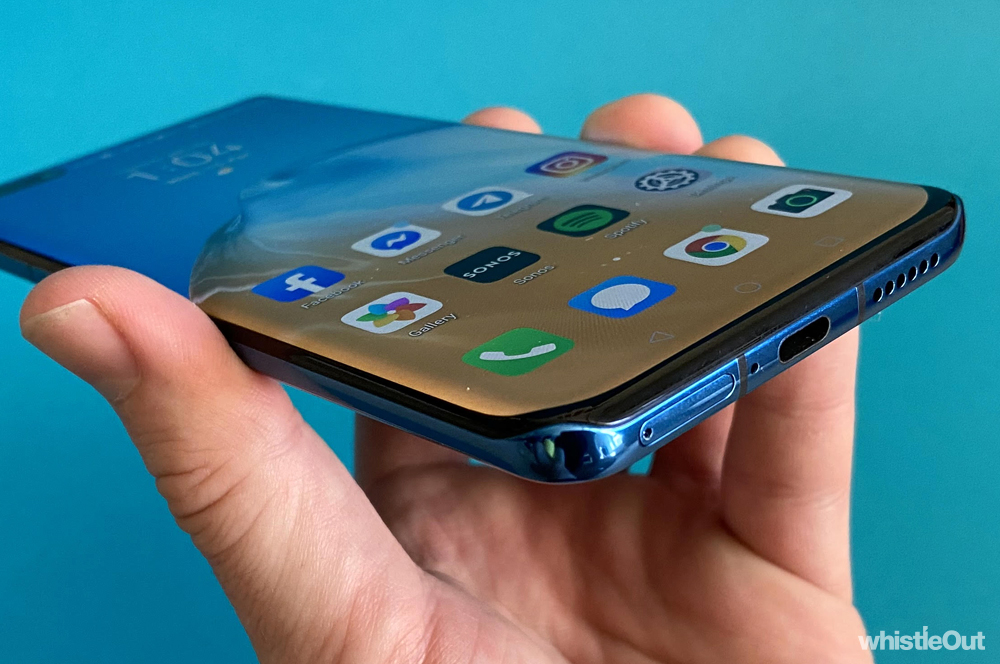
Other than the whole lack of Google apps, the biggest difference between the P40 Pro and every other smartphone on the market is a rather unique curved display. Rather than just tapering off on the left and right, it also does so at the top and bottom. The top and bottom curves are quite subtle, and don't effect usability in the slightest. They're more of an aesthetic choice designed to make it look like the P40 Pro's already diminutive bezel is smaller than it is. And hey, it works. It's equally nice to see a new design choice that doesn't adversely impact how you use your phone.
In terms of battery, a day-and-a-half to two days per charge is still obtainable despite the phone featuring a newfangled 90Hz refresh rate display, as opposed to a 60Hz display as you'd find in a conventional device. 90Hz refresh rate displays make all motion on your screen look smoother, but that can come at the cost of battery life. We've seen this tech hurt the battery life of phones like the Pixel 4 and Samsung Galaxy S20 Ultra, so it's impressive to see Huawei add it in without much impact.
Huawei P40 Pro - Final Thoughts
The P40 Pro is a troublesome cocktail of top-tier hardware diluted by a hostile software situation. Huawei continues to be a force to be reckoned with when it comes to manufacturing prowess, but the lack of Google apps and services is too harmful to the overall experience. No matter how good the camera, the battery life, or the performance, it's hard to recommend a phone where you have to jump through countless hoops just to install your favourite apps.
Sure, you can make the P40 Pro mostly workable with a little bit of elbow grease, but no one should have to waste time with third party app stores, phone cloning, app mirrors, or sideloading just to get functionality you'd expect a phone to have out of a box. And even if you do decide to sideload Google services, there's always going to be a question mark about how long these kind of loopholes will continue to work.
It's a shame, because it's easy to picture an alternative reality where I was smitten by the P40 Pro in the same way I fell in love with the P30 Pro. The hardware is all there, it's just the apps that are missing.
If Huawei intends to persevere in Western, Google-reliant markets, it needs to do better. The software situation may not be Huawei's fault, but it needs a stronger response. It's not enough to suggest a customer copy over their apps from an old phone, bookmark websites to home their home screen, or put apps on a wish list. That's putting a bandage on a shotgun wound.
Huawei can't fix the app situation overnight, but it needs to be more transparent. Anyone even contemplating buying a Huawei phone right now needs more guidance about whether Huawei is even in discussion with major app developers like Netflix and Uber. We need to know if wearable devices like Fitbits will ever work. We need timelines. If a Google-less operating system is the new normal, Huawei needs to be more proactive than ever. It's not business as usual, and pretending it is doesn't help anyone.
It will be curious to see how this plays out in the long run. Maybe the situation with the US will resolve itself, one way or another. Maybe Google will be granted a license to work with Huawei - Microsoft already has been. Maybe Huawei is able to convince developers to bring their apps to its platform - after all, it is the world's second largest phone manufacturer and has plenty of cash to throw around. Or maybe Huawei simply loses relevance outside of China.
I certainly hope it's not the latter, because Huawei has consistently manufactured some of the best smartphones around in recent years, and it would be a loss for everyone if that were to go away.
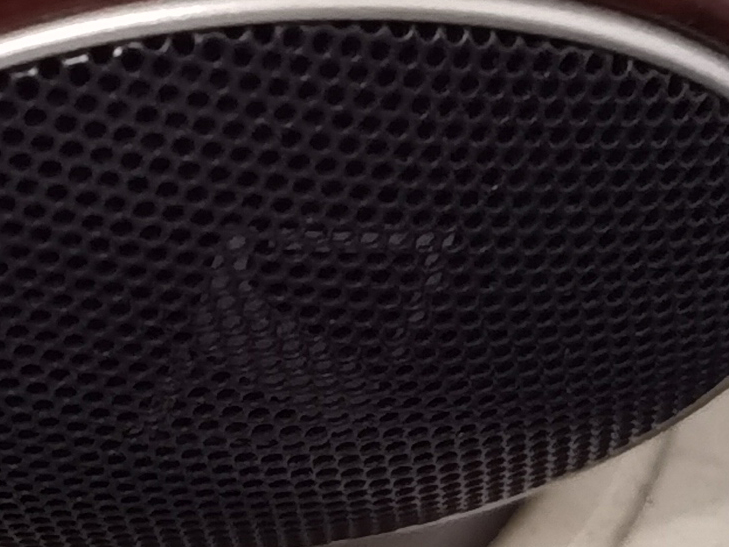
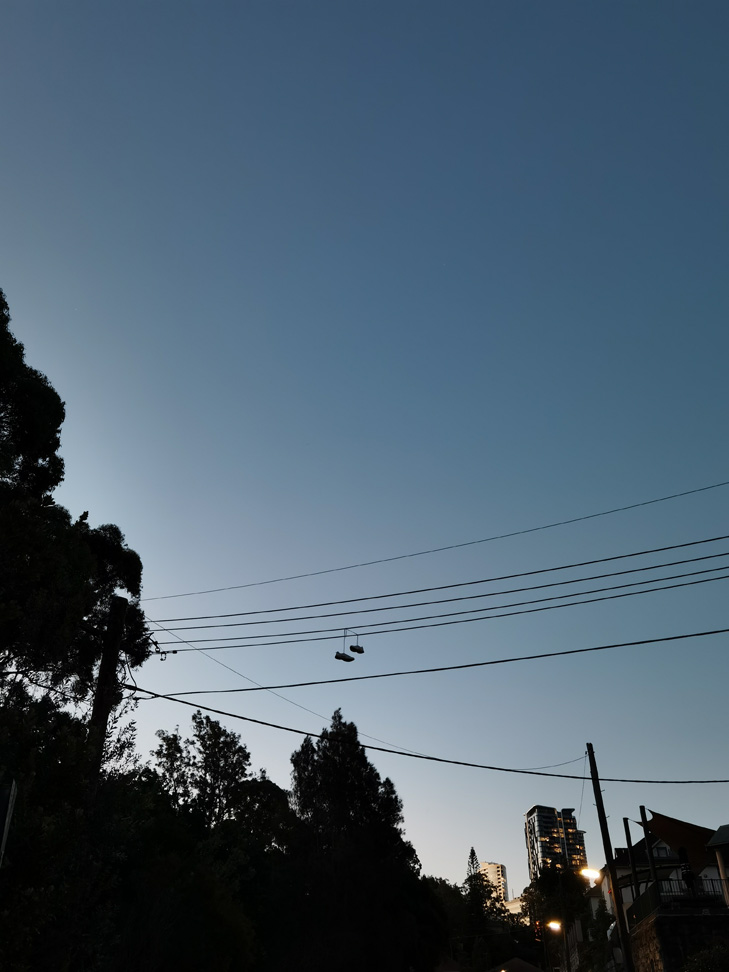
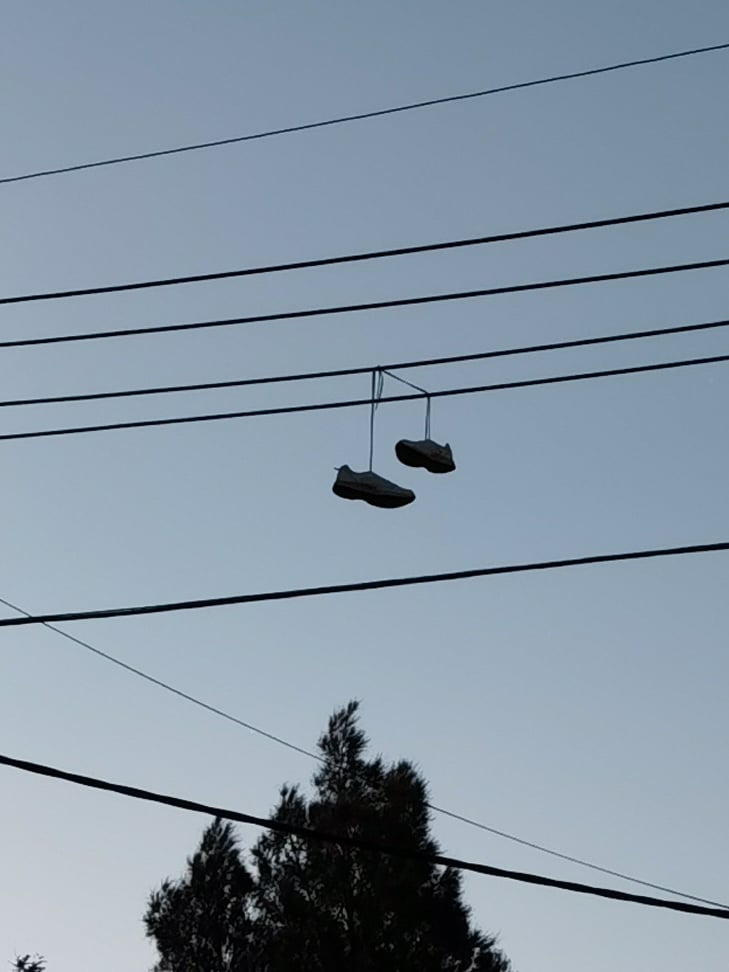
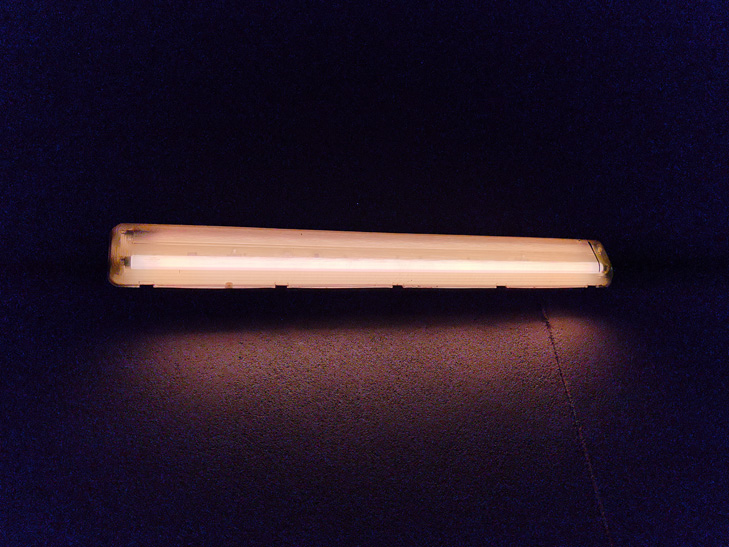
Huawei P40 Pro camera samples







Alex Choros

Related Articles


