
 Prefer WhistleOut in Google
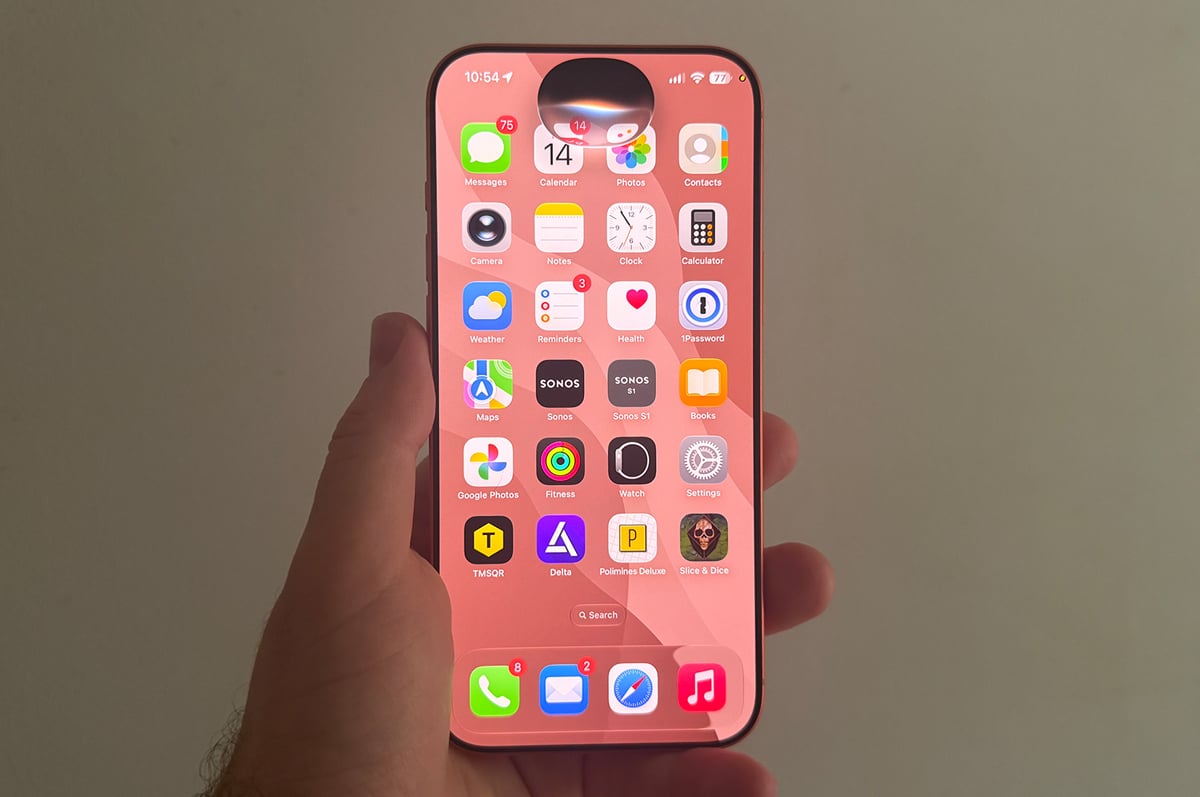
Apple has released public betas of its latest operating system updates, including iOS 27, allowing users to test them ahead of their final release later this year.
To try out the new version of Apple's iPhone operating system, you'll need to register your Apple ID through Apple's beta software portal.
After you've registered, installing the beta versions on your iPhone is pretty simple. If you're on a device running iOS 16.4 or iPadOS 16.4 or later, you'll then be able to follow these steps on your device:
- Open the Settings app
- Tap General and then Software Updates
- Choose the public beta and follow the prompts
If you're not running iOS 16.4, the easiest way to install the beta is to update to the latest version of iOS (currently iOS 26) through the Settings app, and then install the beta.
The beta download will be around 10GB so you'll want to do it on WiFi. Once done, your iPhone will restart and install iOS 27. As with a typical iOS update, you won't lose any apps or files as part of the upgrade.
As always, you probably shouldn't install iOS 27 on your primary device, as the operating system may still exhibit stability issues. In addition, beta operating systems can increase battery drain and result in compatibility issues with unoptimised apps.
If you're feeling brave and want to install the iOS 27 beta on your main iPhone, you can always roll back to an earlier version of iOS if anything goes wrong. This does however require wiping your phone and reinstalling iOS 1=26, so make sure you take a backup before you upgrade to the iOS 27 public beta.
Announced last month, iOS 27 includes new features such as next-generation Siri, new AI photo editing tools, improved parental controls, and Liquid Design tweaks. On top of this, iOS 27 is said to bring performance improvements designed to make iPhones feel smoother. Apple says opening apps and discovering AirDrop recipients will be up to 30% faster, AirPlay will connect up to 70% faster, and AirDrop will be up to 80% faster.
All phones that support iOS 26 will be able to upgrade to iOS 27. Some advanced Apple Intelligence features will only be available on the iPhone 17 Pro, iPhone 17 Pro Max, and iPhone Air, however.
You can install iOS 27 on the following iPhones:
iPhone 17, iPhone 17 Pro, iPhone 17 Pro Max, iPhone 17e, iPhone Air, iPhone 16, iPhone 16 Plus, iPhone 16e, iPhone 16 Pro, iPhone 16 Pro Max, iPhone 15, iPhone 15 Plus, iPhone 15 Pro, iPhone 15 Pro Max, iPhone 14, iPhone 14 Plus, iPhone 14 Pro, iPhone 14 Pro Max, iPhone 13, Phone 13 mini, iPhone 13 Pro, iPhone 13 Pro Max, iPhone SE (2022), iPhone 12, Phone 12 mini, iPhone 12 Pro, iPhone 12 Pro Max, iPhone 11, iPhone 11 Pro, iPhone 11 Pro Max, and iPhone SE (2020)
We're expecting to see the final version of iOS 27 launch in September alongside new iPhones.
In addition to new iPhone operating systems, public betas for the latest version of iPadOS, macOS, watchOS, and tvOS are also available. There is no public beta for visionOS.
Alex Choros

Related Articles


![[Editor's Picks] Best mobile plans for October 2026](https://r3.whistleout.com.au/public/images/articles/2026/01/mobile-phone-plan-Featured.png?w=280&h=280&usm=20&usmrad=0.8&fit=crop "[Editor's Picks] Best mobile plans for October 2026")


