

Samsung Galaxy Fold Review: The Verdict
The Galaxy Fold is undeniable proof that foldable smartphones can be good. It's surprisingly polished for a first generation product, but it's still a first generation product. As innovative and well thought-out as the Galaxy Fold is, a couple of quirks and durability questions mean most people will be better off waiting for a second or third generation foldable.
What we love
- Proves foldables are more than just a gimmick
- Well thought-out software
- Folding and unfolding feels great
- Excellent performance
What could be improved
- Fragile
- Expensive
- Outer screen is a little too small
The essentials
- Performance: Excellent.
- Battery: A little over a day per charge.
- Screen: Both the inner and outer display are great from a quality perspective, but we've got concerns about durability.
- Camera: Ranges between good and great, but isn't on par with the best of the best.
65/100
$2,999
It's very to easy to spend too much time mindlessly folding and unfolding the Galaxy Fold. It's oddly satisfying, like if a fidget spinner actually had a purpose. Maybe it's the resonant click that rings out as the screen snaps open. Or the louder clank you get as you slam the Fold shut. Maybe it's a sadistic subconscious desire to see if it breaks. Maybe it's the sense of magic.
Just using the Galaxy Fold is enough to leave you spellbound. Phones shouldn't do that. It's a sci-fi pipedream come to life. It's a device that feels genuinely new, but not just new for the sake of being new. As someone who has written about way too many phones, the Galaxy Fold is what I've been craving.
But as ambitious as the Galaxy Fold is, as polished as it is for a first generation production, and as much as I love it, it's still a first generation product. A first generation product with a lot of baggage.
Candy shop
- 4.6-inch + 7.3-inch displays
- Snapdragon 855
- 512GB storage, 12GB RAM
- 12MP + 12MP + 16MP rear-facing camera
- 4,380mAh battery
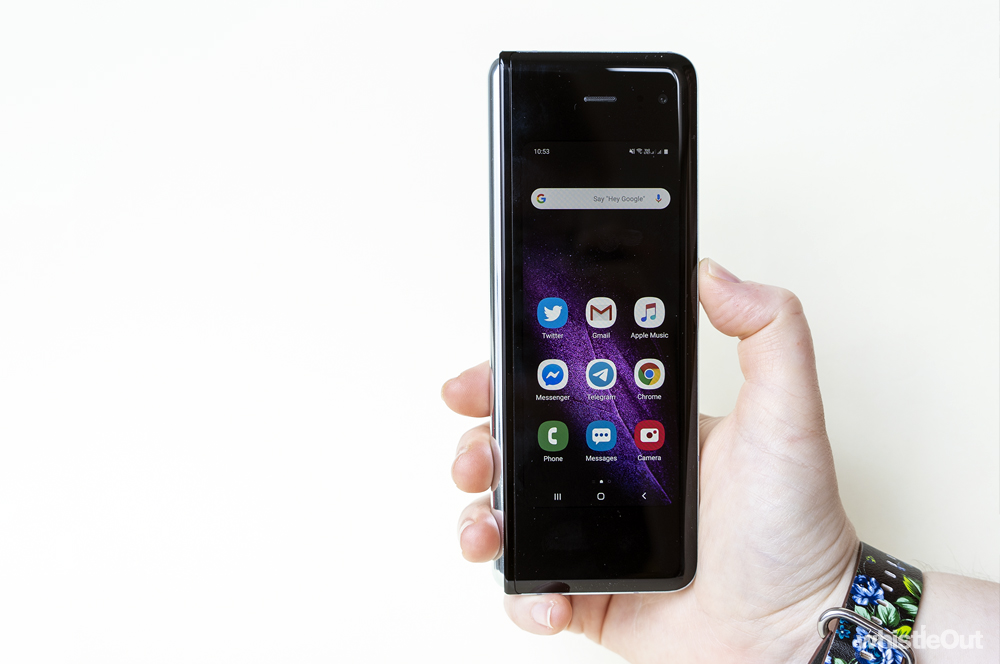
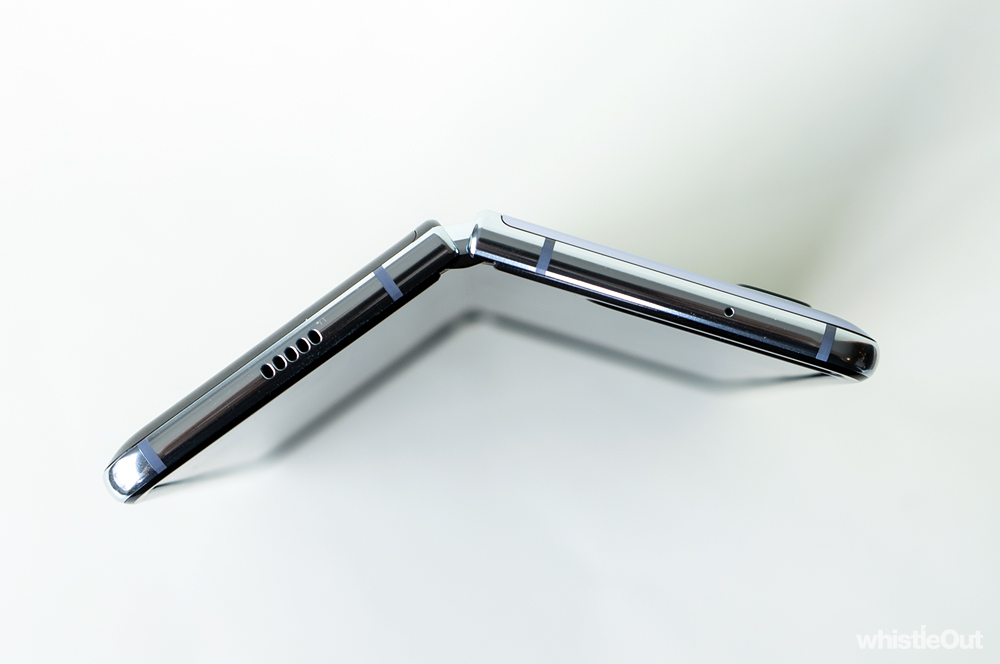
If you need a recap, the Galaxy Fold, Samsung's first foldable smartphone, is made up of two displays: a small display on the outside of the phone, and a larger display hidden inside. The phone's sizeable 7.3-inch screen can close up like a book, which then leaves you with a candy bar form factor with its own 4.6-inch external screen. In some ways, the Galaxy Fold doubles as both a smartphone and a tablet.
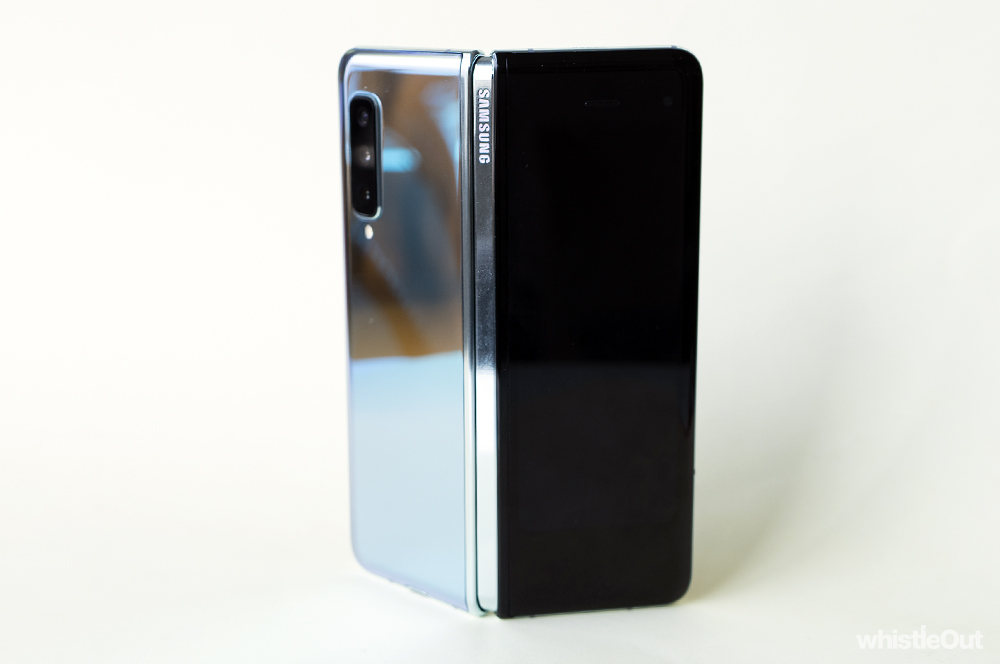
The Galaxy Fold is far from elegant when closed. The smaller 4.6-inch is display is flanked by an extreme amount of bezel. It has serious mid-2000s feature phone energy, and is about as far from the almost all-screen displays we've been seeing in recent years as you can get. I wouldn't call it ugly, but it's unbalanced and awkward.
It doesn't help that the Galaxy Fold's screen feels alien. 4.6-inch displays may have been pretty common a few years ago, but the Fold's outer screen isn't a phone from a few generations back. It's different. It's tall and narrow. It's still easy enough to flick through a website, scroll through social, put on a playlist, or take a photo. (You get access to the same cameras no matter whether you've got the Fold closed or open.) But typing is a little trickier.

A small screen obviously results in a small keyboard, which led to plenty of typos when trying to text. Swapping to a swipe-based keyboard only made it harder. I got better at banging out messages on the Fold's front screen over time, but there's definitely a learning curve. When it came to writing longer messages, I often found myself opening up the Fold to use the larger display. Of course, using the larger display makes it impossible to write a message with just one hand.
I found it especially tricky to try and text while walking. While I can do this with pretty much any other phone, I found I had to slow to a standstill with the Fold. The external display was just too small for accurate typing while doing anything else at the same time. It's a task that requires all of your focus.
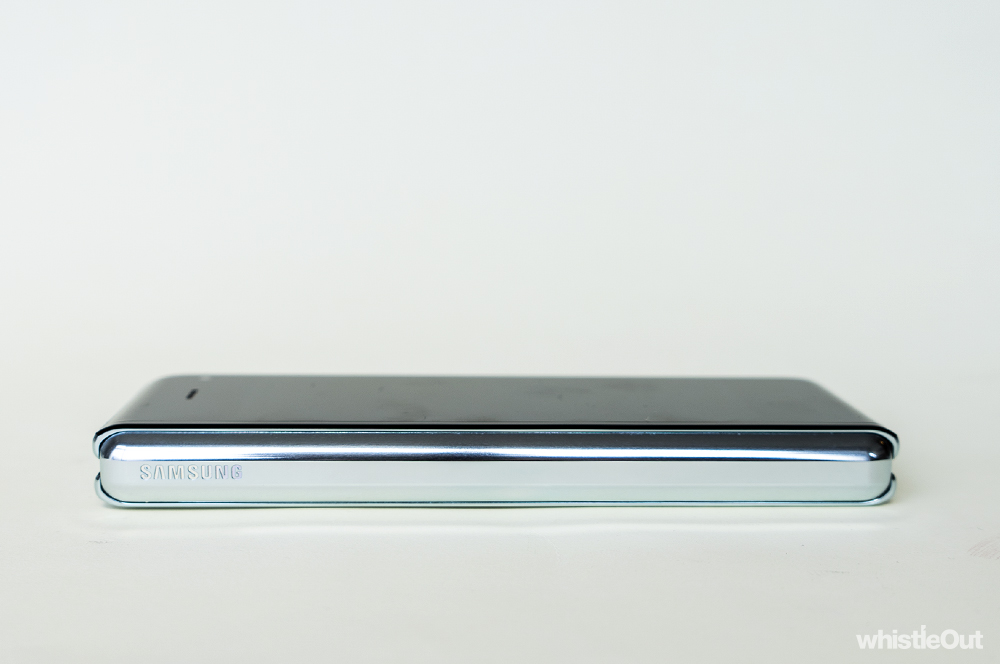
The Fold's heft doesn't help either. It weighs in at around 300 grams, 100 more than already heavy devices like the iPhone 11 Pro Max and the OPPO Reno 5G. This is especially noticeable when you’ve got it folded up and does little to dispel comparisons to feature phones. It's a chonky lad.
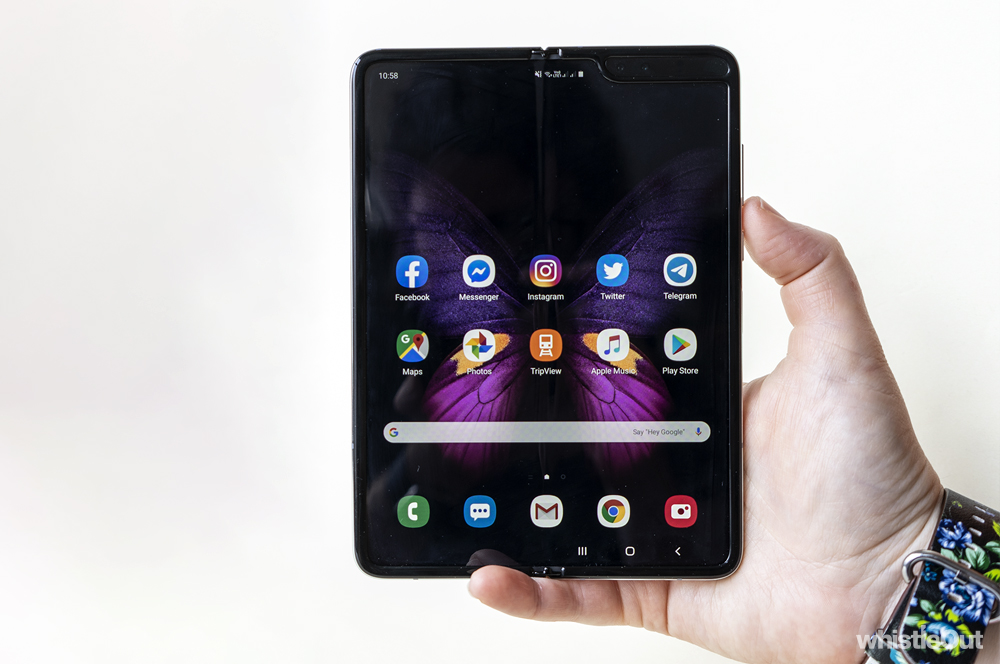
Samsung argues that you're meant to use the Fold's inner and outer screens differently, and I mean, that's fair. To this end, the inner and outer displays can have independent home screen setups, with different apps. For example, I've predominantly got messaging apps on the outer screen, while the inside screen is closer to my usual setup on a phone with, well, everything.
Bigger on the inside
Opened up, the Galaxy Fold is a tiny tablet. A big phone in a small package. In some ways, being able to carry around a 7.3-inch display in your pocket is almost enough justification for Samsung's mad pipedream, but the Fold is more than just a big phone.
For one, videos look great on the inside display - great enough to avoid carrying a tablet around. The side notch (or "slotch") can cut into what you're watching, but it's less distracting than you'd think. For the most part, I forgot it was even there.
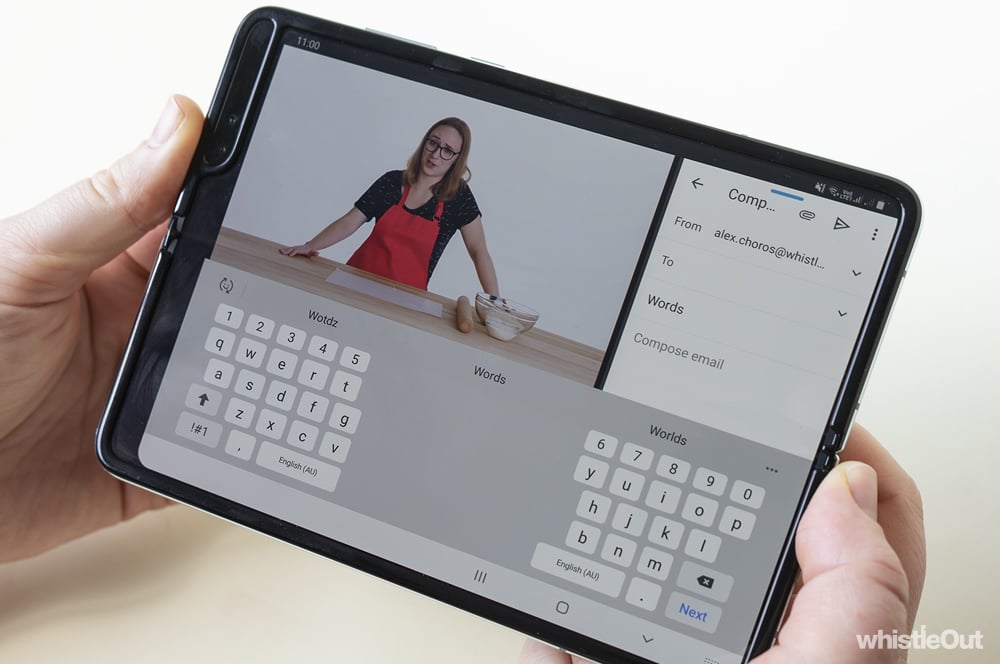
Secondly, the Galaxy Fold is the first phone I've used where the ability to run two apps together actually seems useful. More importantly, it's also easy. Swiping in from the right lets you fire up another app. For example, you could have YouTube on one half of your screen, while writing emails on the other.
The Galaxy Fold can run up to three apps at once, and if that's not enough, you can have another app or two floating on top. Running more than two apps simultaneously made the screen a little too cluttered for my liking, but it's still nice to have the option.

While you can run a lot of apps at once, they're mostly independent from one another. They don't tend to interact. For example, it tends to be only Samsung apps that support functionality like drag and drop. You can drag a photo from Samsung's Gallery app into an email, but you can't do the same from Google Photos. This isn't necessarily essential functionality, but it would definitely be useful.
It's also worth noting that not all apps support split-screen right at the moment. Messenger doesn't, for example, which is a bit of a shame. Hopefully this is something that will improve over time.
Even if you ignore the multitasking aspect, the Fold is still great when you consider it as a 7.3-inch phone. It's comfortable enough to hold in one hand, lovely to read on, and there's just a little more room for everything. It's almost like an iPad mini you can keep in your pocket.
The one thing that lets the Galaxy Fold's big screen down is Android's tablet app situation. Most Android tablet apps feel like mobile apps that have been stretched out to be larger rather than apps explicitly designed for a tablet. (Although some apps with a tablet mode seem to have decided the Fold isn't large enough to count as a tablet.) In some cases, this doesn't matter. Simple apps like Tripview or Instagram just kinda work. On the other hand, apps like Twitter feel like they're not using the screen-size wisely.
There are however exceptions. Lightroom, for example, has been optimised for Android tablets, and it's excellent on the Fold. It's really nice to have a screen larger than what you'd find on a smartphone when it comes to editing photos.
As lovely as the large display is, it's betrayed by a slight crease where it bends. The crease is easy enough to forget about when you're using the Fold, but it’s very noticeable off-axis. You can also feel it when you run your hands over it. But for the most part, I found my hands weren't naturally touching that part of the screen.
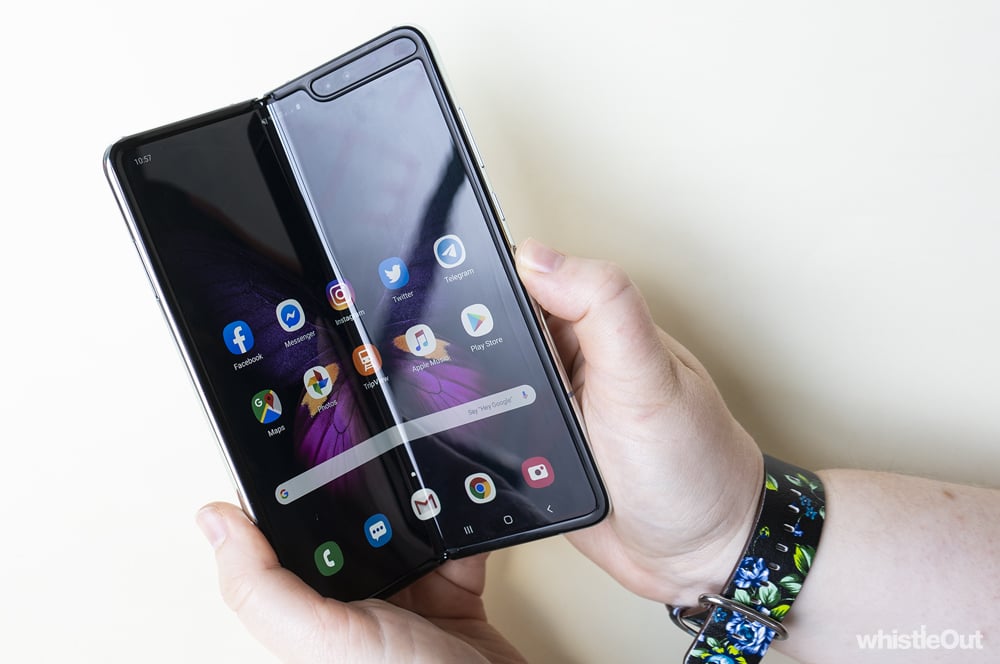
Opening and closing the Fold is also great on a software level; apps seamlessly transition from the small display to the large display. If you've got an app open on the small screen, it will still be running on the big screen when you unfold the Fold, and vice versa. If you have multiple apps running when you close the Fold, these will all still be there when you unfold it again. Only the first app you had open will transition back to the small screen. (Although in some cases you may have to explicitly allow an app to resize to the smaller screen via the Settings app.)
It is however worth noting that not all apps support this feature - some apps will insist on restarting if you try and bring them across from one display to the other. The same holds true if you've opened an unsupported app and still have it running in the background.
Apple Music is one of these. If you open Apple Music on the small screen, you'll need to restart if you want to use it on the larger display. Frustratingly, this also stops your tunes, so you need to remember which display you opened it on if you want to avoid interruptions. Again, hopefully these kinds of issues will be ironed out over time.
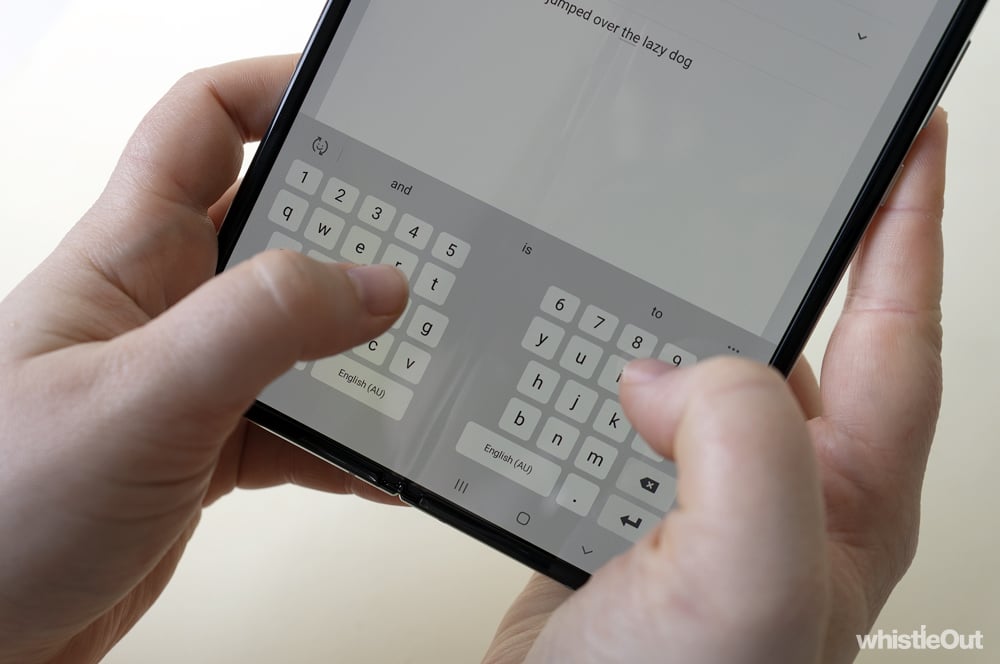
For the most part, Samsung has put a lot of thought into the Fold's software. The phone's software keyboard, for example, works really well. When the Fold is open and you need to write a message, the keyboard splits into two halves. It almost feels like typing on a regular-sized phone, and saves you from stretching into the centre of the display. The keyboard still stays at full-size if you're running two or more apps at once, but only provides input to the active app. It can take up a lot of space depending on how you've oriented the Fold, but it's a much better alternative to a tiny keyboard under app you're in.
Notably, the Galaxy Fold doesn't have an earpiece on the inside display. If you accept a phone call while the phone is unfolded, it will go straight to speaker unless you have headphones connected (like the Galaxy Buds you get in the box). If you'd prefer to avoid that, you have to close the Fold before answering.
Odds and ends
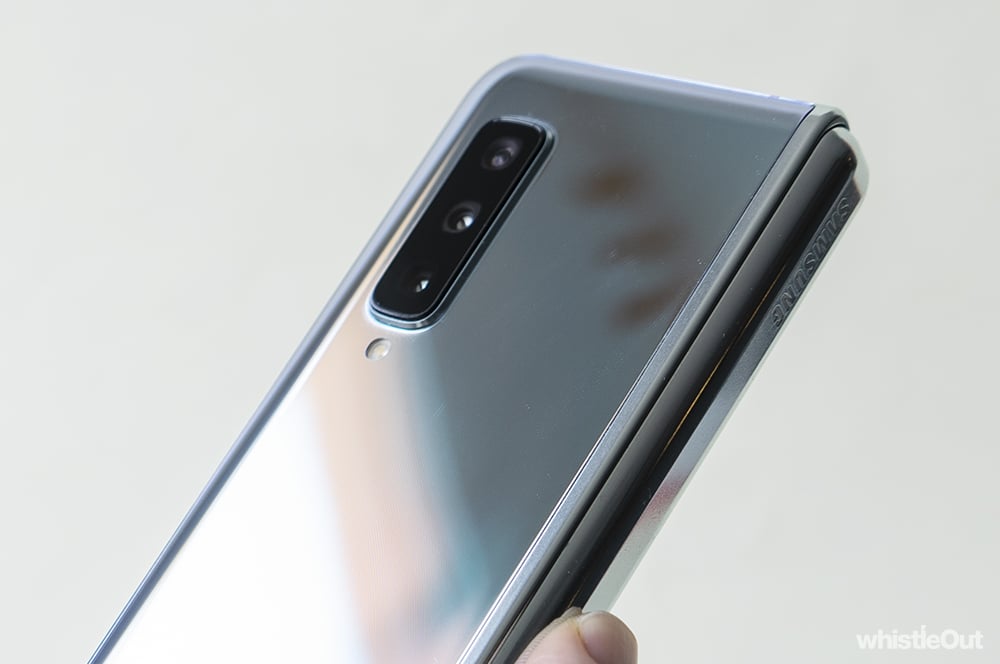
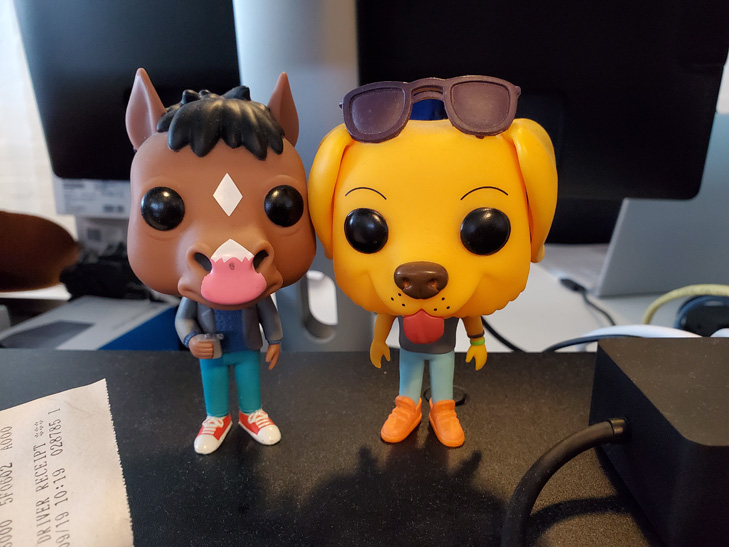
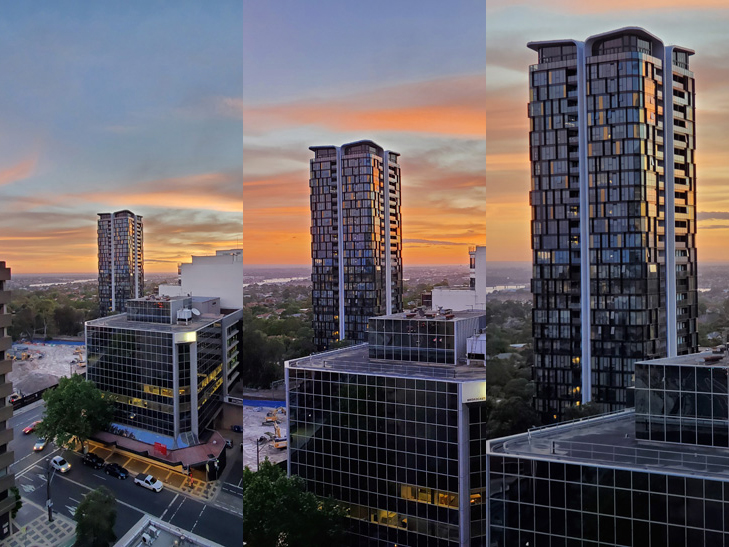
The Galaxy Fold's camera setup is a familiar affair; it's identical to the what you'd find on the Galaxy S10. You get a 12MP primary lens, a 12MP 2x zoom lens, and a 16MP wide-angle lens. Importantly, you're shooting with the same cameras regardless of whether you've got the Fold opened or closed.
One point of difference between the Fold and the Galaxy S10 is weight. The Fold's heft can make it a little bit harder to stabilise, which can add motion blur. Conversely, you can partially unfold the Fold to rest it on a hard surface and get a steadier shot.
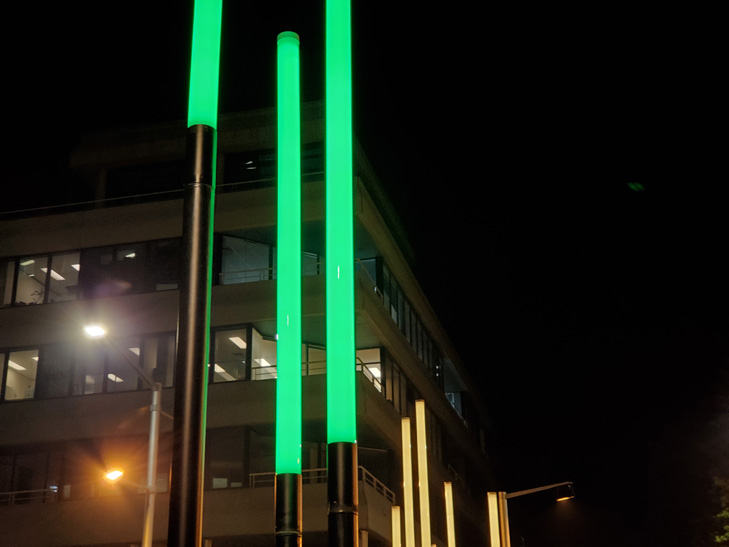
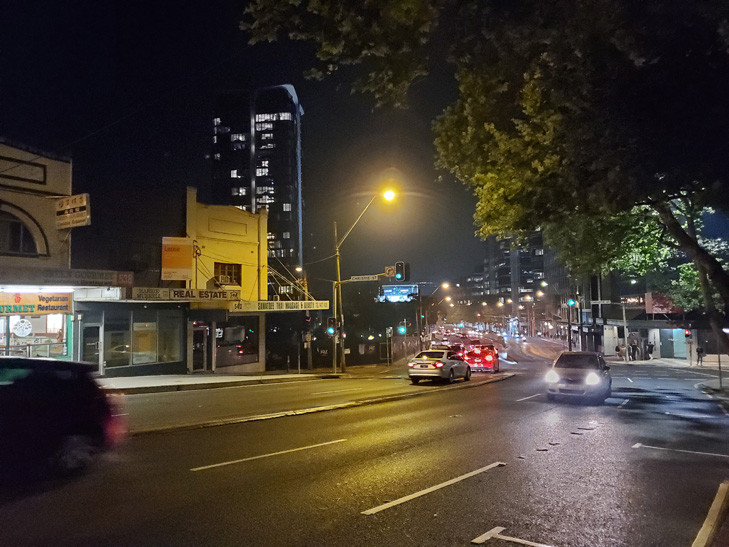
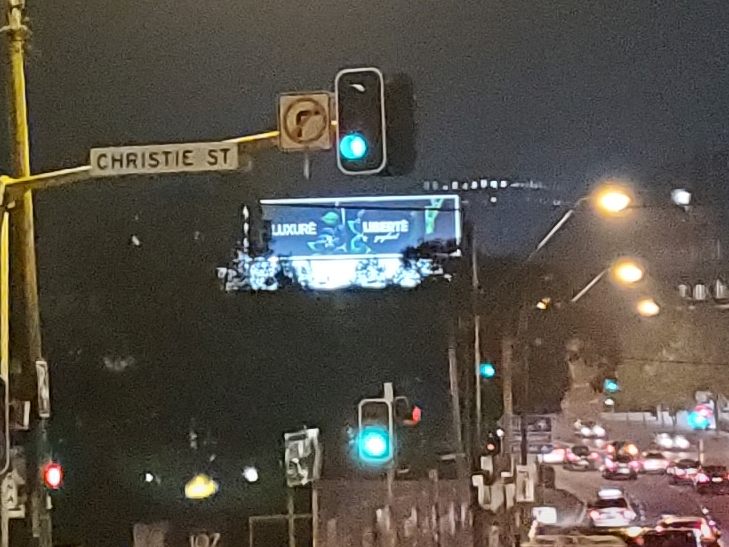
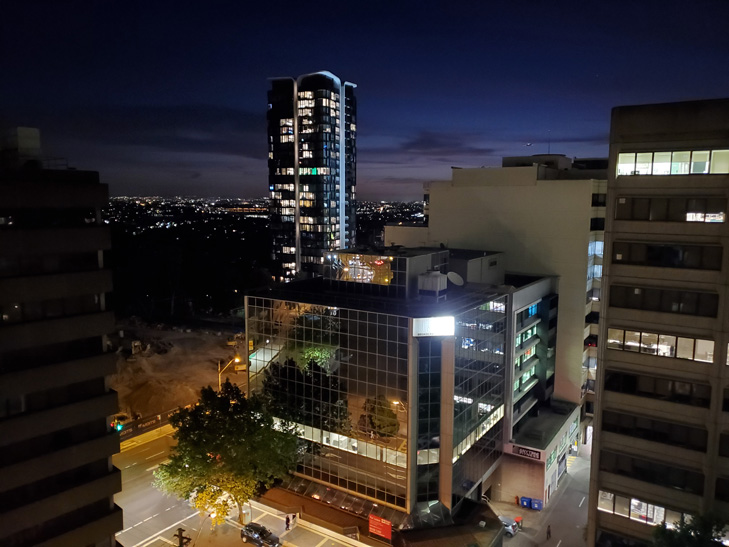
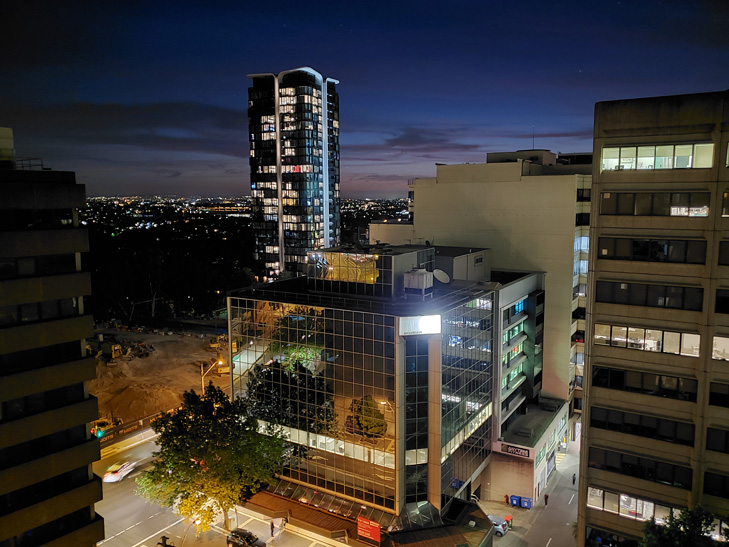
For the most part, the Fold takes good photos, no matter what lens you're using - they're just not quite as good as the competition. This is most noticeable when it comes to lowlight: Apple, Huawei, and Google have all bested Samsung.
The Fold's wide-angle lens is the weakest link in the camera array. It's not quite as reliable at night (a problem shared with the 2x lens), and shots can feature heavy fish-eye - an issue that Apple and Huawei have addressed in their latest devices. It's still definitely nice to have, however.
None of this is to say that the Fold camera isn't good, it just falls short of greatness. While you could easily make the argument that no one is buying the Fold for its camera, you shouldn't have to compromise when it comes to a $3,000 phone.
The Galaxy Fold has two options for biometric authentication: facial recognition and a side-facing fingerprint reader. Facial recognition works well enough, but isn't quite as fast or reliable compared to the iPhone 11 family, especially in the dark. For the most part, I preferred the fingerprint reader. By default, the fingerprint reader only starts looking for your print after the screen is already on, but there's a setting that makes the fingerprint reader double as a wake button. I'd highly recommend turning this on as tapping the power button and then the fingerprint reader to unlock the Fold got frustrating fast.
Battery life is pretty solid; I found the Galaxy Fold had around 30% left at the end of a typical day. It's not the most robust battery life around, but you shouldn't be scrambling for a charger throughout the day.
Don't go breaking my heart
There's a lot to love about the Galaxy Fold, but love often comes with baggage. There's almost always some unresolved trauma that needs dealing with. In the case of the Galaxy Fold, there's more than usual.
Just days before this ambitious device was due to hit shelves in April, the launch was shelved. Questions were raised about the Galaxy Fold's durability after multiple review units failed due to a variety of screen-related issues.
In some cases, the protective layer was accidentally removed from the screen. In others, debris managed to make its way inside the hinge. Some devices failed for no apparent reason. However, Samsung has spent the last few months addressing these issues and the foldable has now hit stores around the world.
Samsung has seemingly done a good job of addressing these issues. Galaxy Folds aren't just mysteriously failing anymore. But at the same time, it's still a phone you'll need to handle with care. The Fold's internal screen is plastic rather than glass, because glass tends to shatter when you try to bend it. This means the screen is not quite as resistant to scuffs and scratches as the glass displays on a more typical phone.
Samsung even has a video in which it advises against applying "excessive pressure" to the touchscreen when tapping it. The company also warns against pressing against the screen with sharp objects such as fingernails, or placing any objects on the screen. You shouldn't take your Fold to the beach, due to the lack of water and dust resistance. You shouldn't keep it near objects that could be affected by magnets, such as credit cards. There's a long list of rules you need to follow. A whole heap of precautions for a $3,000 phone.
I managed to avoid scratching the Fold during my time with it but I was constantly on edge. I kept worrying I'd find a way to break it. Are my hands dry enough? Is a drop of sweat going to be problematic? Is it on a surface it could fall from if it vibrates? Could fluff from my jeans get inside the hinge? Why is the screen so dusty? You don't want to be the guy that destroys the $3,000 phone.
At one stage, I popped my SIM back into another phone because I was too worried to take the Galaxy Fold to a concert. I've had phones knocked out of my hand in mosh pits before, and while those devices survived, I wasn't willing to take that chance with the Fold.
No matter how careful you are, life happens. Sometimes you drop a phone. Sometimes a child or animal knocks it off a table. Most phones are resilient enough to handle the odd fall these days, unless you're super unlucky. But durability test videos suggest that's not the case with the Galaxy Fold.
(This is partially mitigated thanks to a screen replacement program. If you manage to damage your Fold within the first 12 months, you can get a discounted one-time screen repair for $220.)
As easy as it is love to the Galaxy Fold, you can't trust it not to break your heart.
Samsung Galaxy Fold - Final Thoughts
The Galaxy Fold is easy to love but hard to recommend. In some ways, I love what the Fold represents more than the phone itself. I can't overstate how cool it is to have a phone that turns into a tablet, and somehow, actually do it well. It feels better than it should for a first generation product.
While Samsung has proved that foldables can be good, the Fold still has quirks that need to be worked out. Straight up, there's durability. A $3,000 phone you have to handle with extreme care is less than ideal. The software is good, but it needs more refinement and better app support. The camera isn't as good as what you get on other smartphones. And the front screen feels just a little too small. Having to unfold just to send a message can get frustrating over time.
Given the Fold aims to replace your tablet and your smartphone, it should be as good as a traditional version of either device. When open, the Fold easily feels on a par with a dedicated tablet. When shut, it feels more limited than a regular smartphone. While you’ve always got the option of opening up the Fold, an ever so slightly bigger outer display would be a huge improvement.
So should you buy a Galaxy Fold? Probably not. You should definitely try to play with one in a store, but it's hard to recommend dropping almost $3,000 on what's essentially a concept phone.
While most people shouldn't buy a Fold, this doesn't detract from Samsung's achievement. The Galaxy Fold is a convincing argument that foldable phones are worthwhile, which is impressive in itself.
And selling Folds may not even be the point. The Fold is a halo product, like a Penfolds Grange. Sure, some people will buy it, but the Fold feels like it's meant elevate the Samsung brand and position the company as an innovator. If that's the case, Samsung has clearly succeeded. It's one of the year's most impressive devices.
But hey, if you've got heart set on a Galaxy Fold, have got money to burn, and understand the risks, why not? It's not a rational purchase, but it's a wonderful taste of the future.
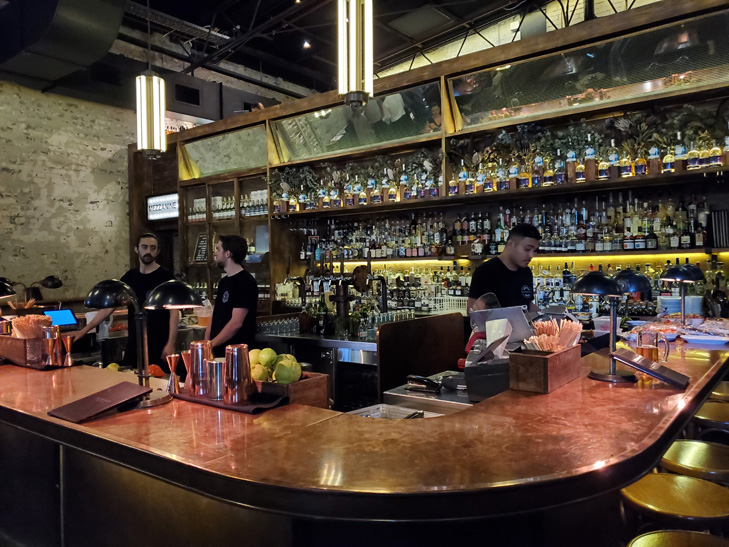
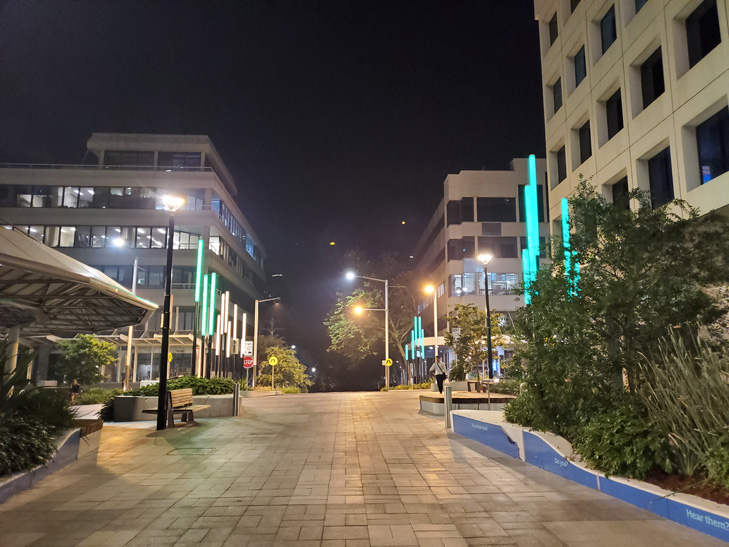
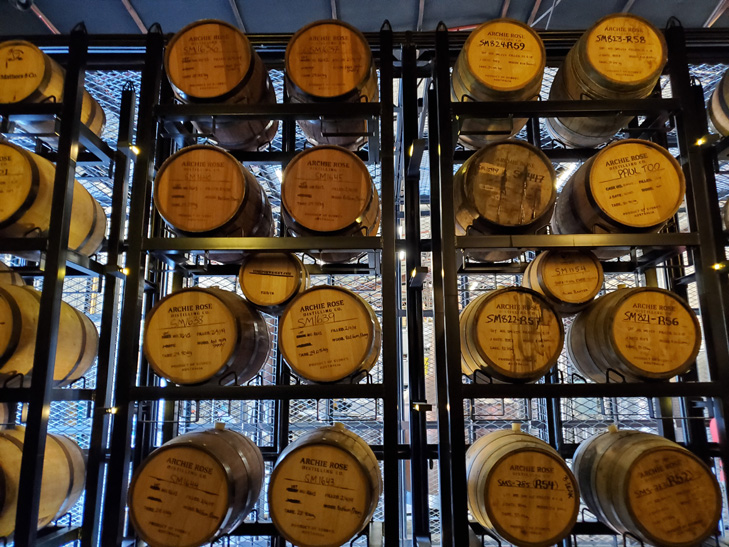
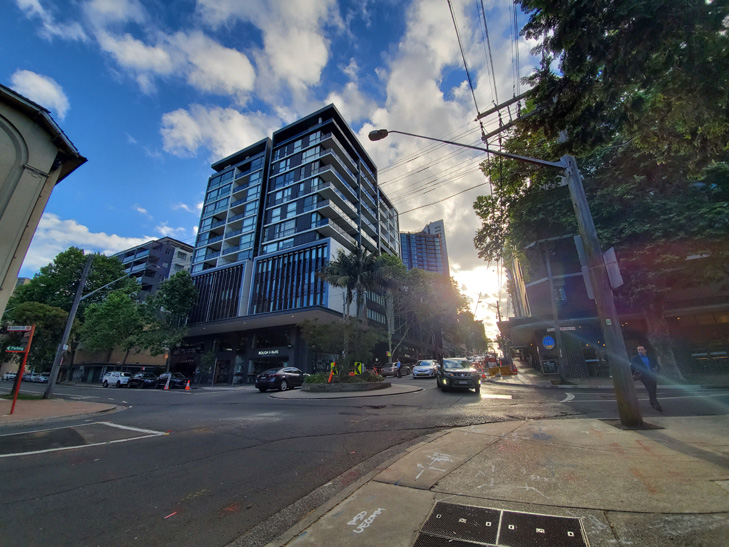
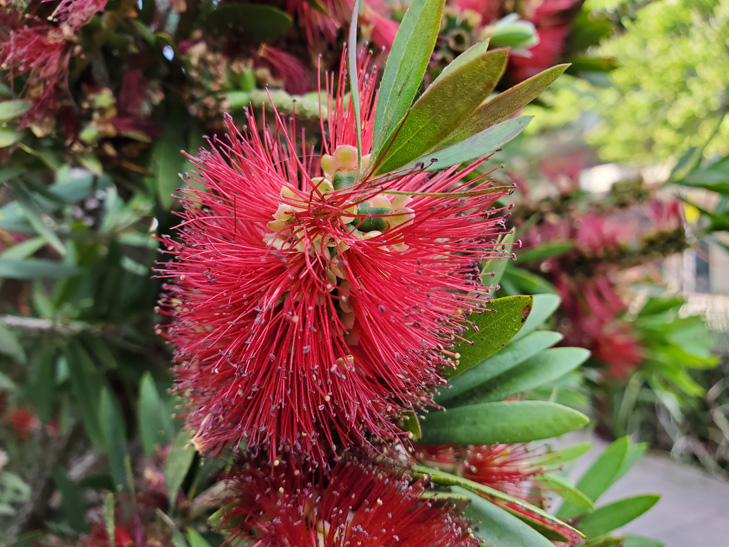
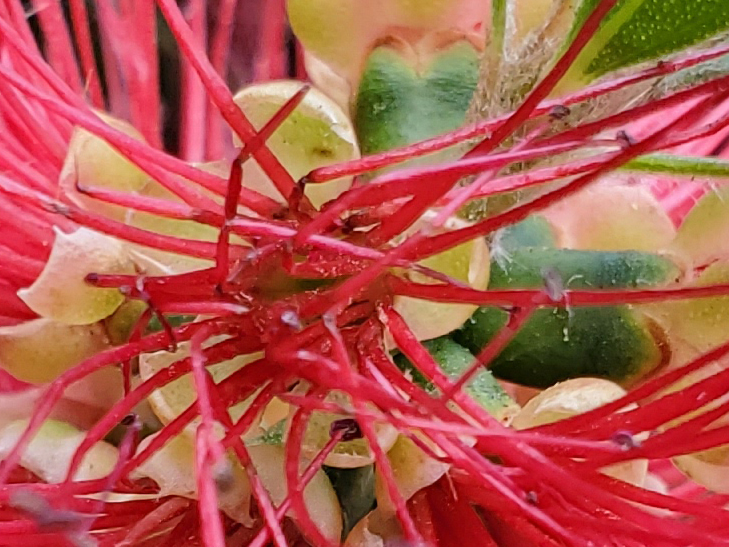
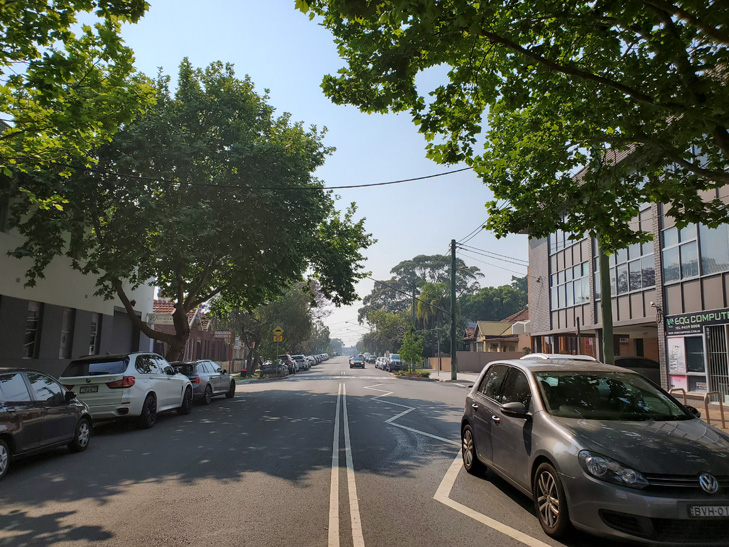
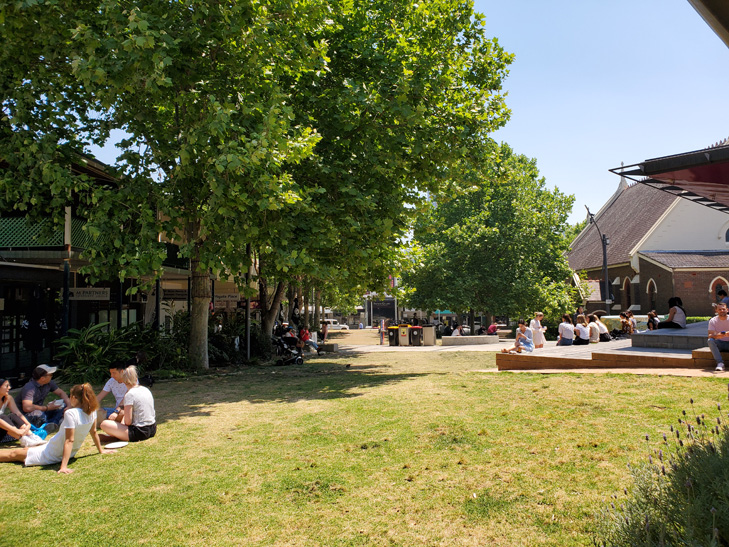
Samsung Galaxy Fold camera samples



Alex Choros

Related Articles


