
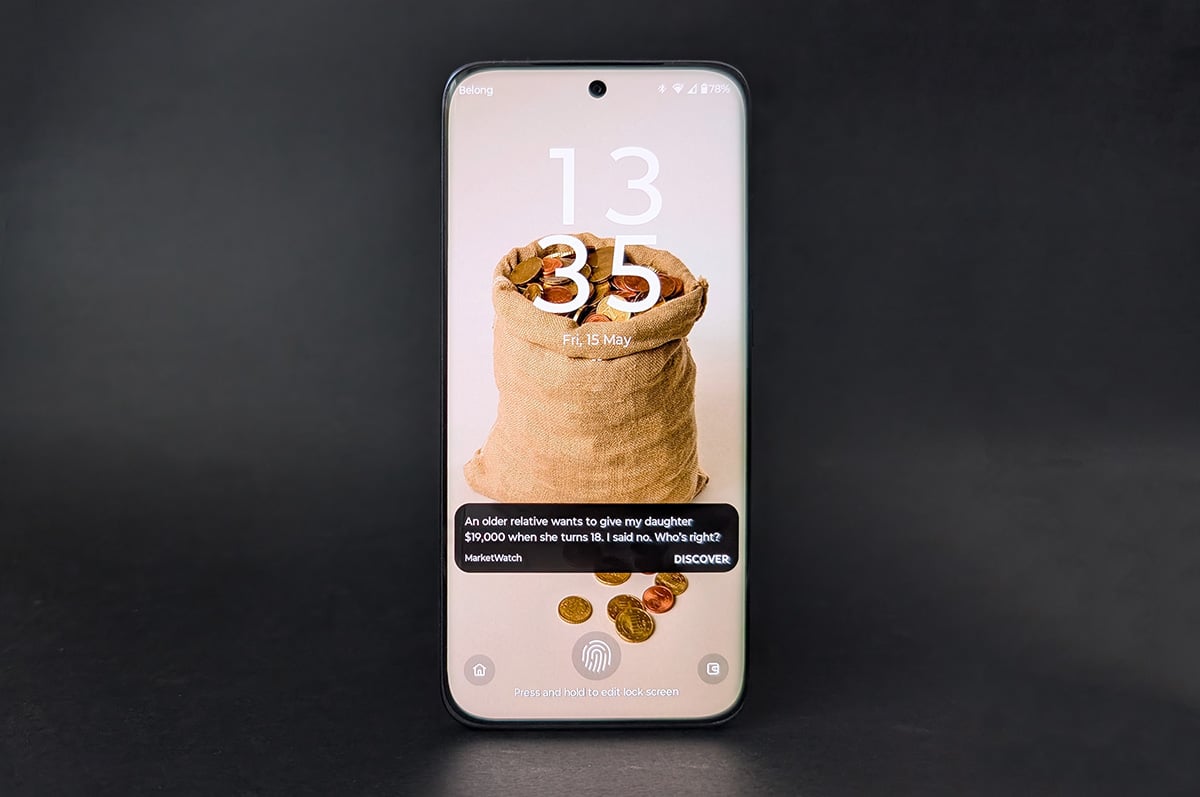
- Top-tier battery – an easy two days
- Decent performance for $699
- Screen panel is good
- Curved-edge displays have too many downsides
- Photos are oversaturated
- Hello Moto UI is cluttered
Some of Motorola's phones are tantalisingly close to great value, but come with a confounding downside or two you’ll need to reconcile with before handing over your dollars. The Motorola Edge 70 Fusion is a fine example of this. Some people might find it an attractive offering for $699, but you should consider its flaws before leaping into this purchase.
The basics

First, let’s cover the Edge 70 Fusion’s basic pros and cons. Then we can get into why a handful of unusual drawbacks make this phone more of a toss-up than it needs to be.
Starting with the biggest selling point, the huge 7,000mAh battery regularly offered us more than 16 hours of screen time. For comparison, we got closer to six hours during our Google Pixel 10a review, and that phone is no slouch in the battery department. In terms of real-world usage, 16 hours is a comfortable two days of heavy usage, with a potential third day if you take it easy.
Despite its hefty battery capacity, the profile is a sleek 7.9mm, plus a little extra for the camera bump. Coupled with a well-balanced 199g weight and metallic sides, it feels more premium in the hand than some of its rivals.
Motorola’s ongoing partnership with Pantone continues to pay off with interesting colour choices. Ours was Silhouette (Black), but there’s also Blue Surf (a subtle bluey grey), Orient Blue (purple to my eyes), and Sporting Green, which would be at home repping the Aussie green and gold.
Day-to-day operations are smooth, and while demanding games can make it lag a little, the phone handles most tasks well. The 256GB of internal storage is a nice touch, as opposed to the more usual 128GB at this price point. I do feel this extra hardware oomph would have been better served padding out the 8GB of RAM instead, but with RAM at an all-time high, it mightn’t have been a viable choice.
The screen's visuals and performance are solid – clear and vibrant with deep, inky blacks. You can also set it to a 120Hz refresh rate. This will dip your battery a little, but with so much to spare, you might as well. Expect it to dial back to 60Hz when gaming, however.
Edge 70 Fusion camera samples
Check out these camera samples taken on the Motorola Edge 70 Fusion. Click or tap on any photo to see a larger version.


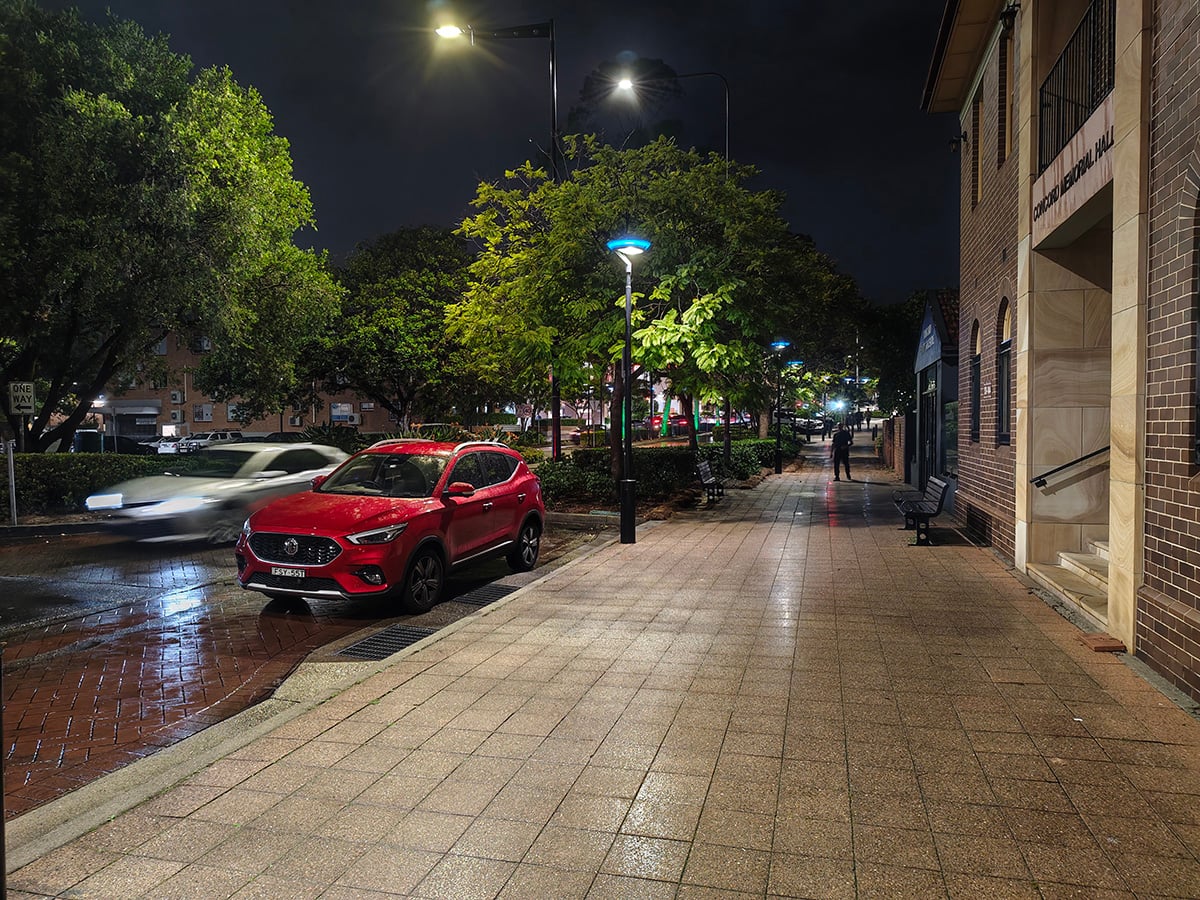



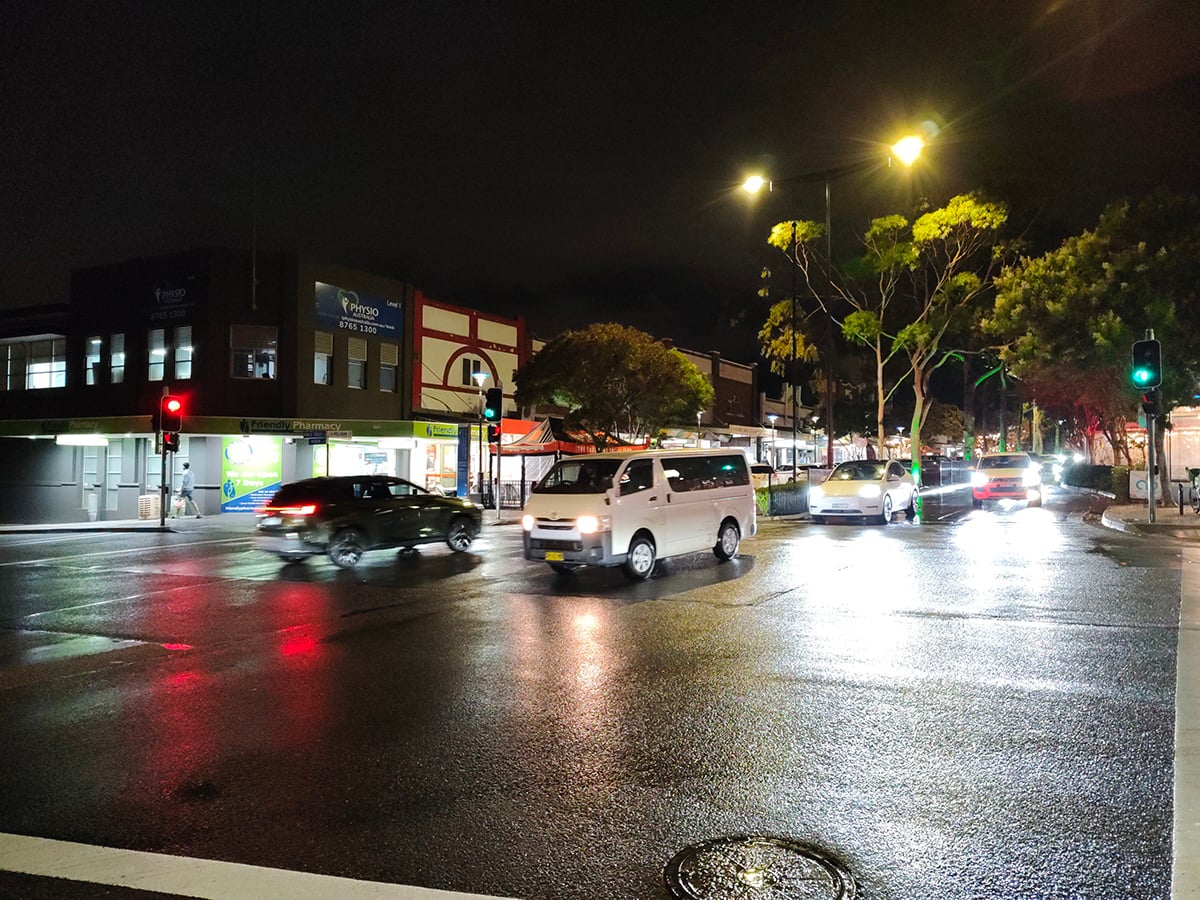
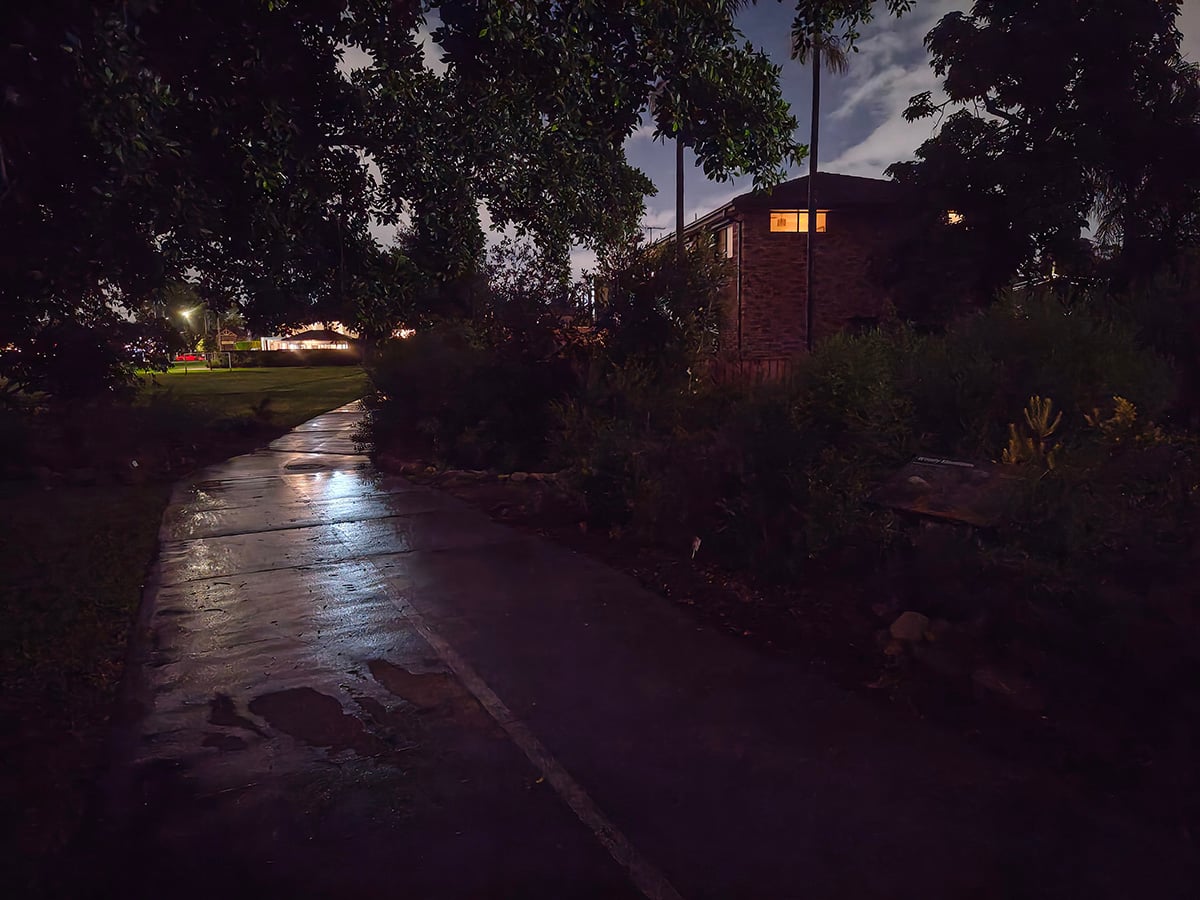



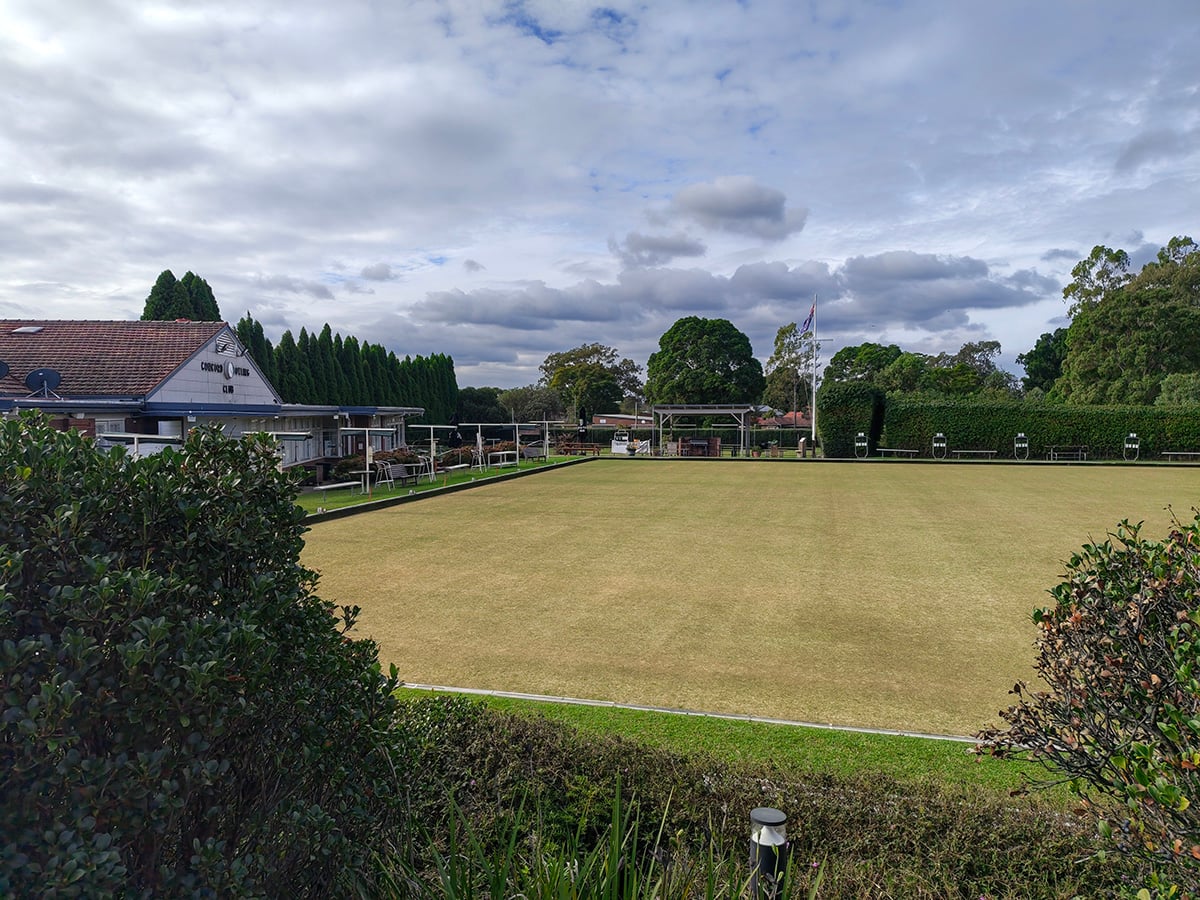
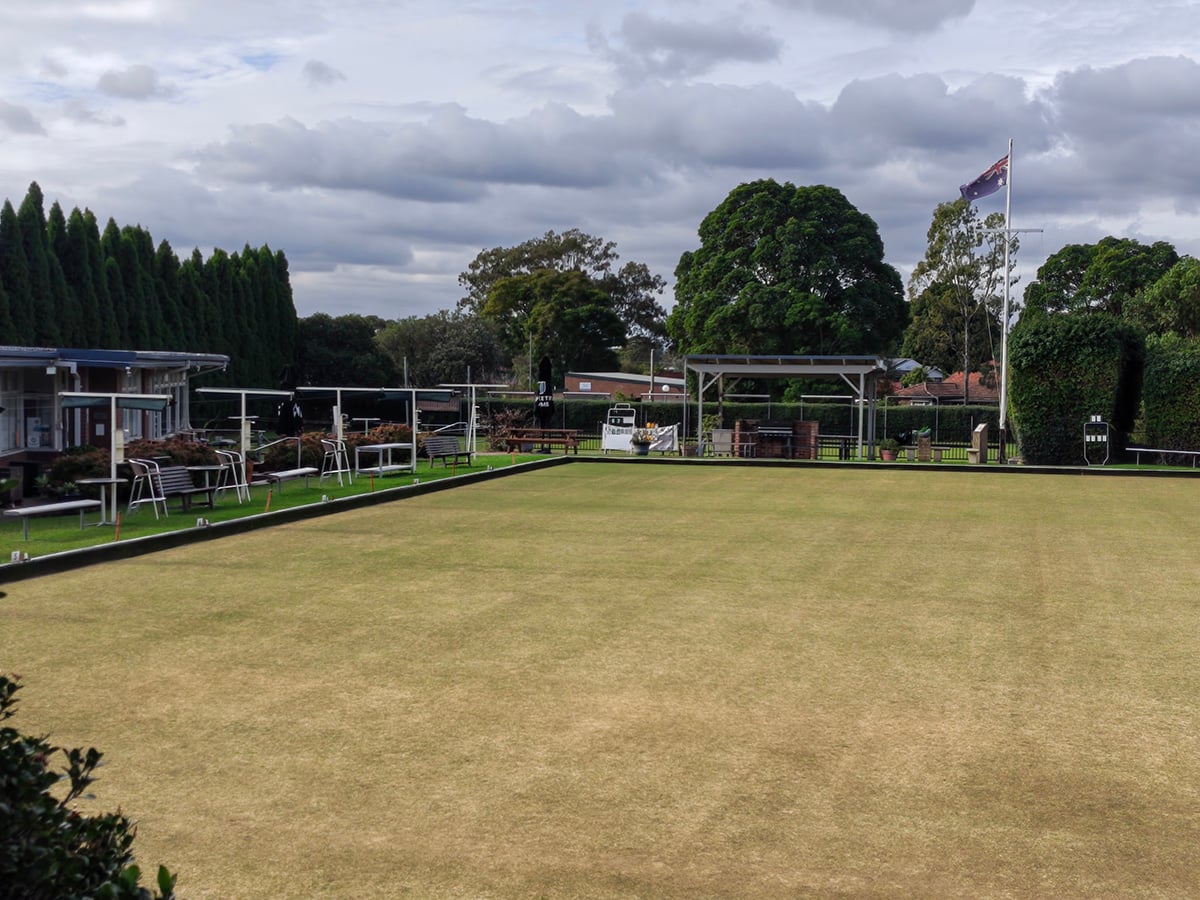
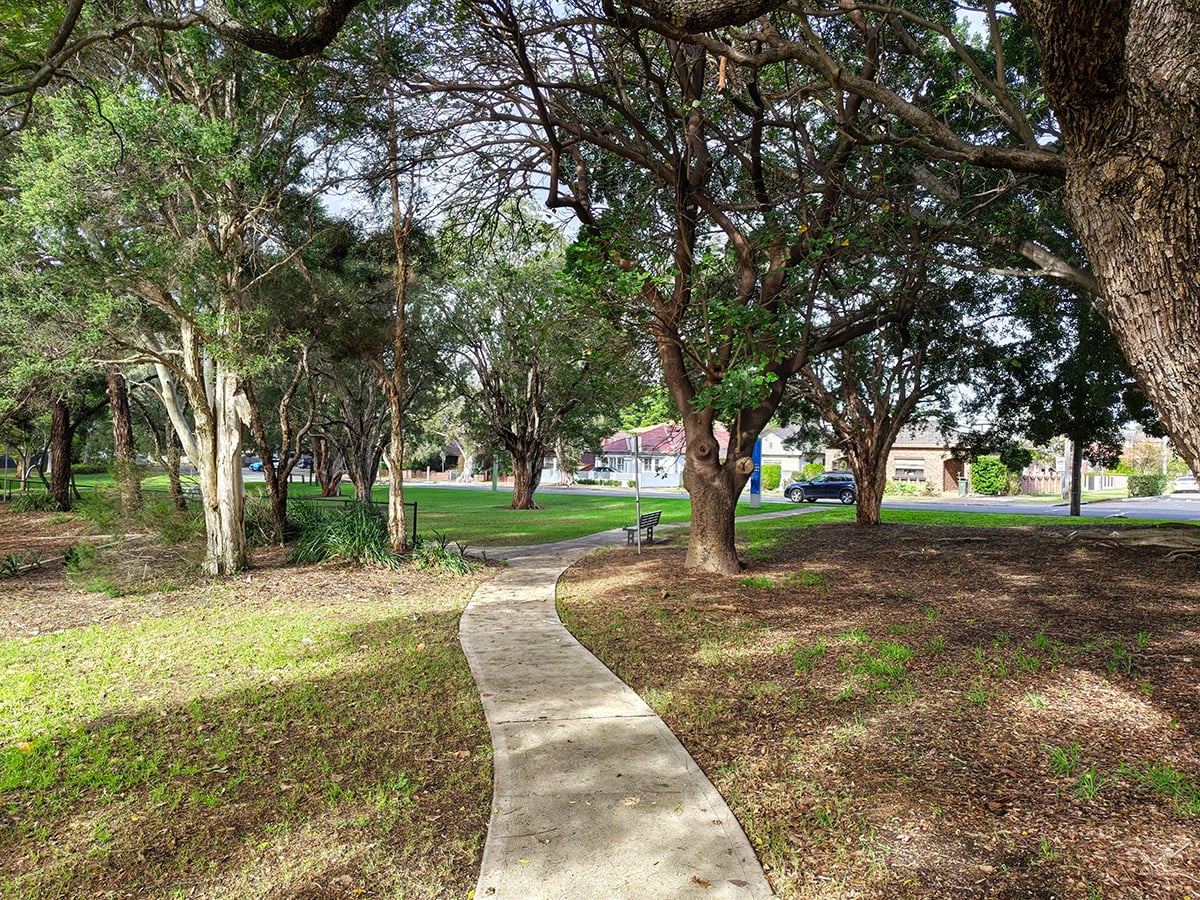




The camera experience is an oddity, thanks to overzealous post-processing. Given the amount of editing that occurs, driven by the phone's mid-tier computing hardware, you can watch each photo go through several revisions in real time. And, for each and every one, it quickly reaches a decent image before charging headlong into the most oversaturated imagery I’ve seen since the early days of Android.
For example, this was a drab, overcast day:

The leaves and berries at the forefront of this image are close to the right colour, but still a bit too bright. Towards the back, the greens and reds become cartoonish:

Each photo appears to have the bones of a good picture, briefly glimpsed before the aggressive styling continues apace. So it seems to be a software issue, rather than a hardware one.
The selfie camera is definitely applying some kind of beauty filter, but I’m not quite sure who for. Every picture I took of myself made my skin too smooth, and it was a toss-up whether I came out too pale or too red. All the while, it emphasised minor blemishes enough that I checked a mirror to make sure I hadn’t unknowingly been scratched on the face.
I'm sorry to subject you to the following image, but it illustrates the point. I'll swear up and down that mark next to my nose was next to invisible in a mirror.
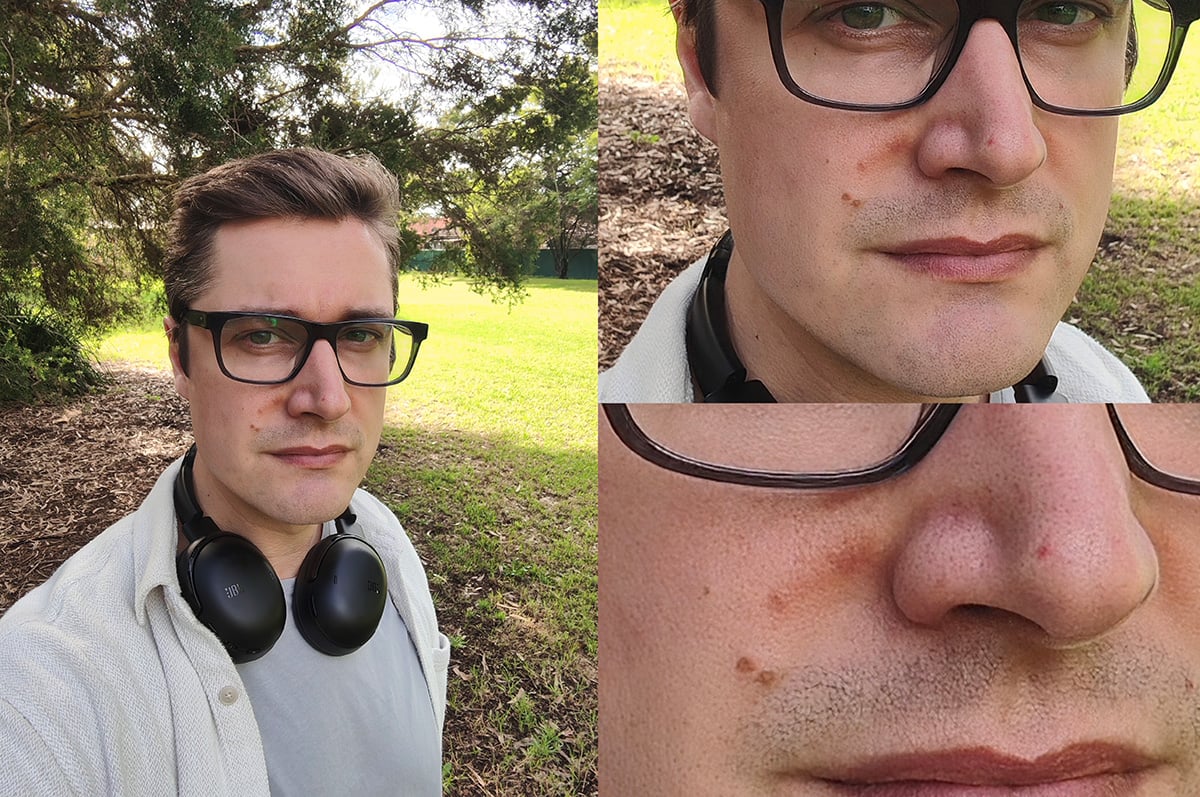
I am also not wearing foundation or lipstick in the above photo, despite how the full-sized version might make it appear. Not that it's any of your business.
Once again, the camera seems to take an ok shot, which gets edited to a slightly better version, then the post-processing finally comes to a belated halt far too late.
Now, admittedly, saturation can come down to personal preference – some people might even prefer this over-bright view of the world. But I'm not one of them.
It’s time to talk about the curved-edge display
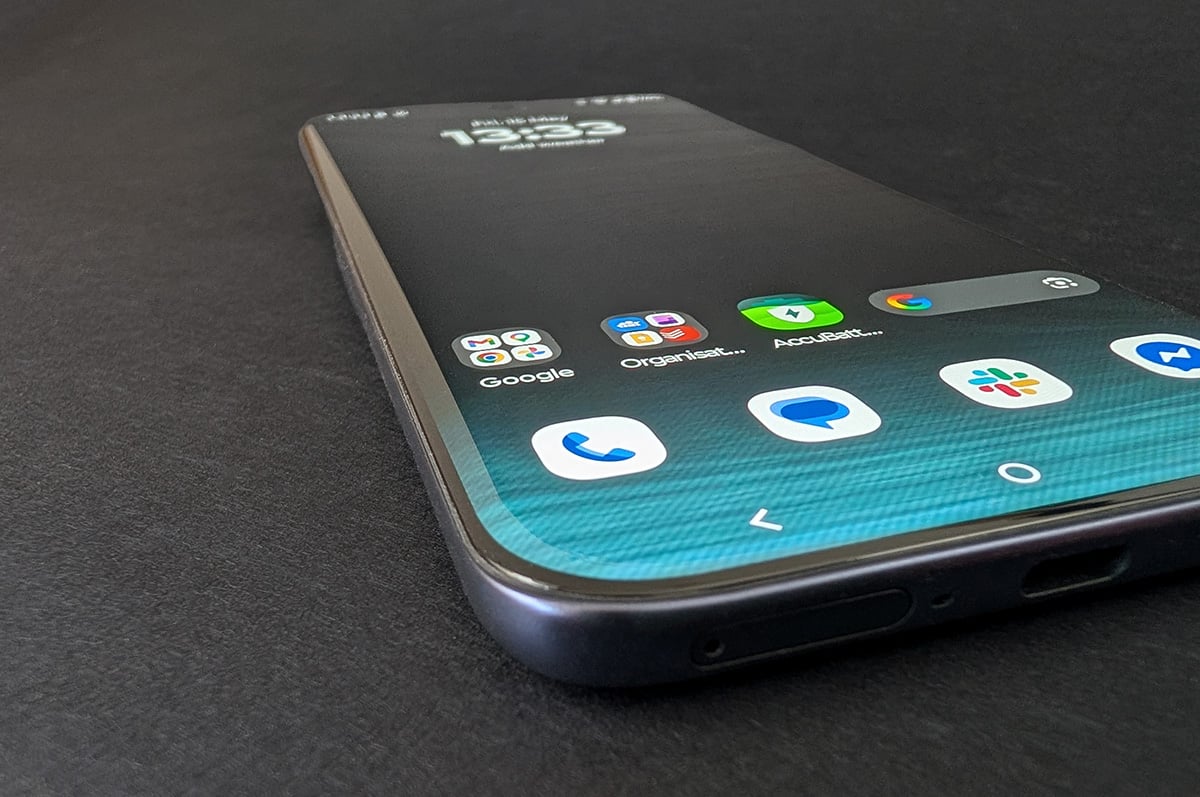
Motorola’s commitment to curved-edge displays is bewildering. Like an ergonomic boogeyman, this one design decision can strike at any moment while you're using the phone, or even when you're not. Yet, where other manufacturers years ago relegated this form factor to the failed-experiments bin, Motorola still proudly puts "Edge" in the name of this product line.
The most obvious and well-lamented drawback is simple: it’s difficult to hold the phone without touching the side of the screen. In theory, the display should recognise and ignore accidental contact. In practice, no curved-edge phone ever managed this reliably, and the Edge 70 Fusion is no exception. Multiple times per day, you'll "tap" or "swipe" user interface elements without intending to. This makes the phone feel laggy or replete with gremlins, when the real problem is your fingers are always in contact with the screen.
It's worse if you use a case, which does little to fix the issue while adding a small ridge that makes it awkward to start a swipe from the edge of the right- or left-hand extremities of the display. Cases also can’t cover the sides without covering the display curvature. Given your display – famously the weakest part of your phone – wraps around the edge of your device, this is a recipe for disaster.
And disaster is all the more likely because curved displays lack the friction provided by normal phone edging. Several times, I put the Edge 70 Fusion screen down on a flat surface, only to watch it drift away like a puck on an air hockey table. I also awoke a couple of times to the sound of the phone hitting the floor after sliding off my bedside table, dragged a good 30cm by the weight of the charging cable alone. I started charging it on the floor instead.
There’s no meaningful benefit to balance out these significant drawbacks. But, hey, if you're particularly keen on chasing that futuristic new look from 2015, you do you.
Hello UI, hello bloat
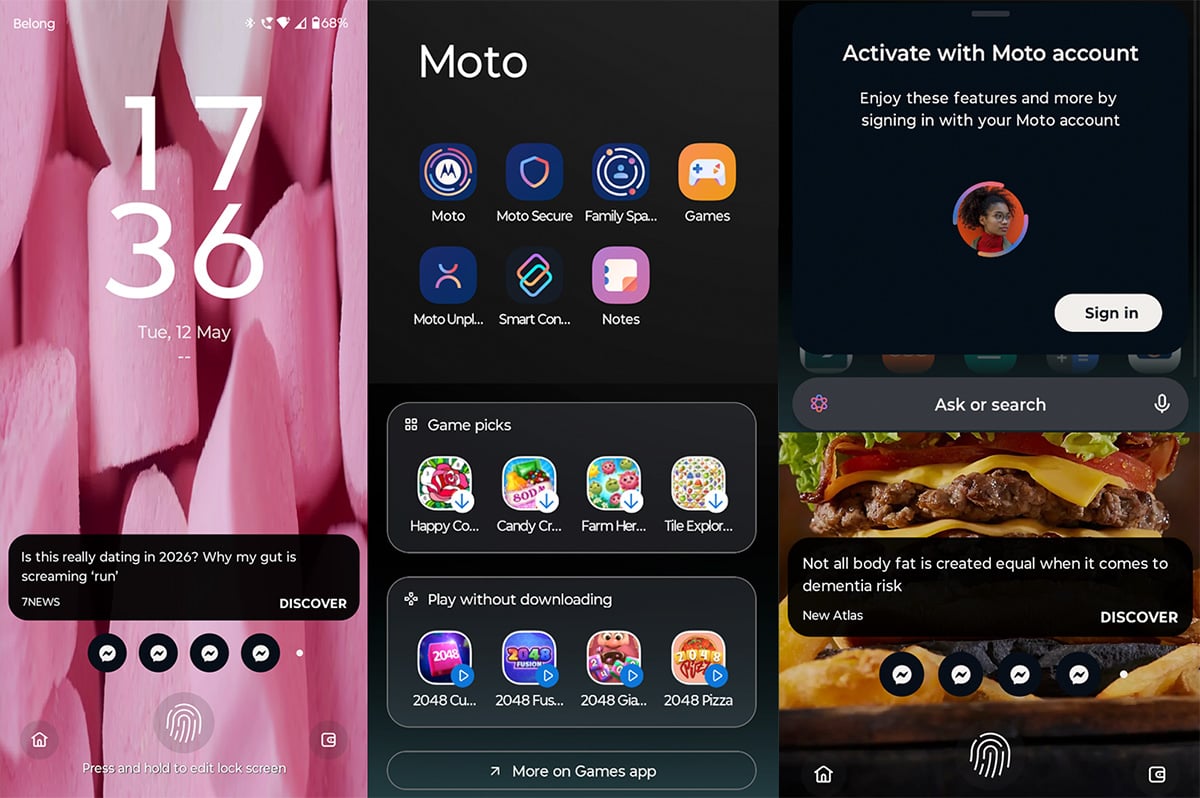
Motorola’s Hello UI launcher is pretty close to a vanilla Android experience. This would be a good thing, but for Motorola's additions. There's a slew of pre-loaded apps and games, suggested content turned on by default, occasional feedback requests about various UI elements, and prompts to create a Moto account every time you use the app tray’s search bar. It can feel like someone's nattering in your ear, trying to get your attention.
I normally wouldn't suggest this in a phone review, but this is a case where it makes a truly noteworthy improvement: if you pick up an Edge 70 Fusion, I’d recommend immediately installing a different Android launcher via the Google Play Store. You’ll doubtless get sick of Hello UI eventually, so you might as well replace it from the beginning and save yourself the time rebuilding your home screens down the track.
Motorola Edge 70 Fusion – Final Thoughts
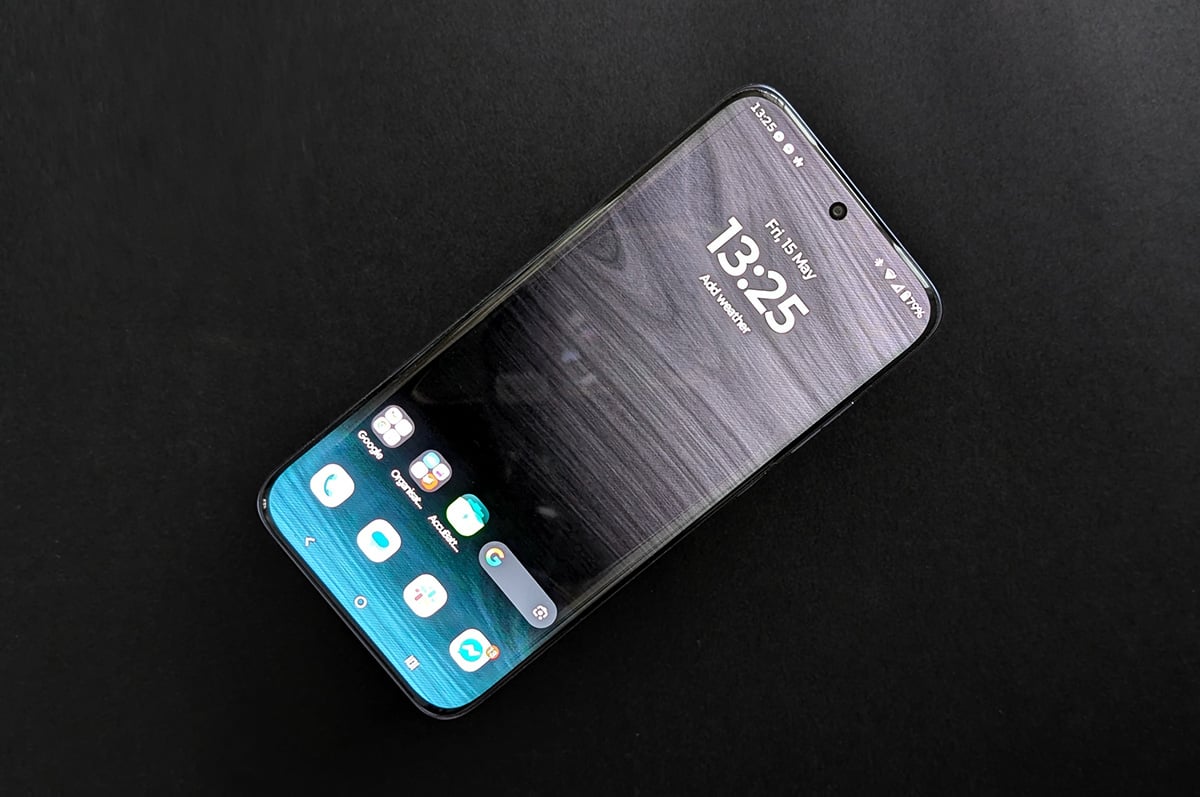
The Edge 70 Fusion has all the elements of a great value mid-range smartphone. The build quality feels nice in the hand, day-to-day performance is smooth for $699, and battery life is some of the best available from any handset on the market.
But Motorola’s mystifying commitment to curved-edge displays, the overwrought camera post-processing, and the multi-layered nuisances of Hello UI are a hat trick of own goals.
Should you get this phone? Sure... if you have no problem with curved-edge displays, exaggerated photo colours, and installing a new Android launcher.
For my money, I’d go with the Samsung Galaxy A57 ($749) or Google Pixel 9a (often about $750, if you can still find one). Neither has close to the Edge 70 Fusion's battery, but both still have reliable, all-day life. They also effortlessly sidestep the Edge 70 Fusion's peculiar pitfalls for only about $50 more, making them some of the best value options around.
Did you like this article? Good! Why not make us a preferred source in Google? Click below, tick the box, and WhistleOut stories will show up more often when you search for related content.
Alex Angove-Plumb
Digital Content Editor

Related Articles


